
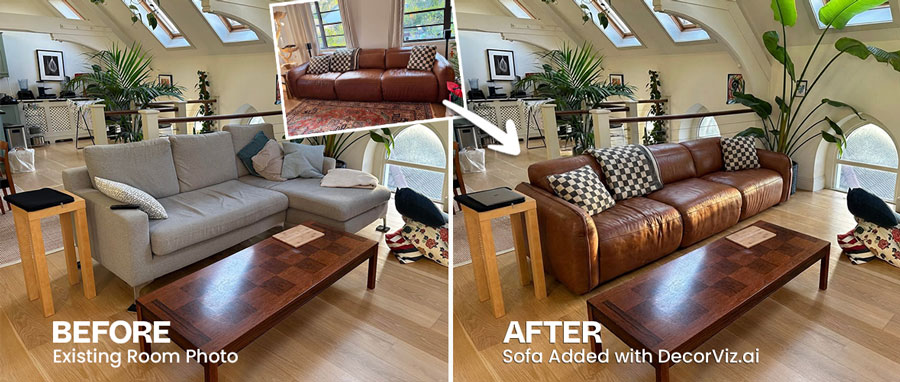
Picture Furniture in Your Room Before You Buy
Stop guessing from store photos. See the real piece in your room before you buy.
Step 1 · Your room

Upload a photo of your room
Step 2 · The item
Upload the furniture you want to preview or swap in
Results
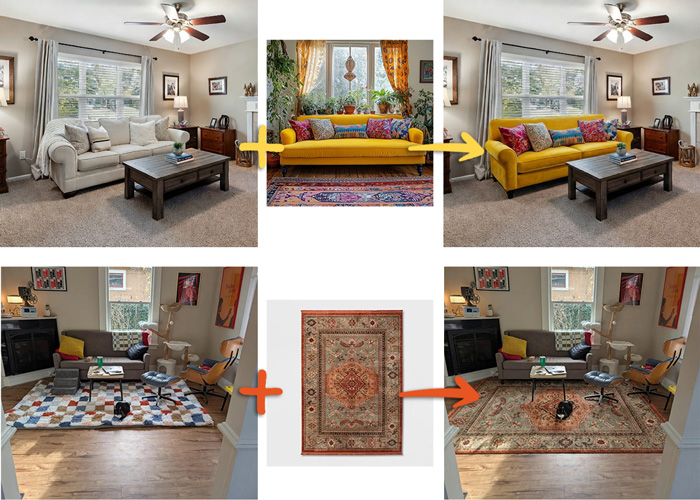
Your room + one real product = a realistic furniture preview before you buy
See furniture in your room with a free furniture visualizer
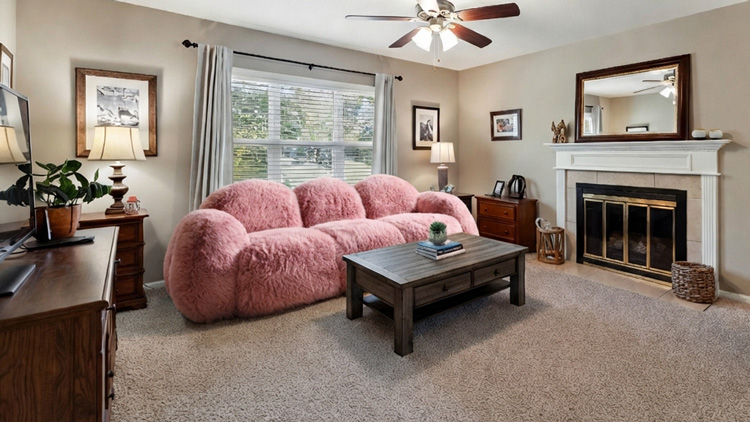
DecorViz is for the moment before you buy furniture online. You have a real room, a real product image, and a decision to make. Picture the item in your own space instead of guessing from a studio shot.
Use it to visualize furniture in your room, swap a sofa where the old one sits, test a rug with your flooring, compare coffee tables, or check whether a chair, bed, lamp, or TV stand suits the room before ordering.
What this furniture visualizer is for
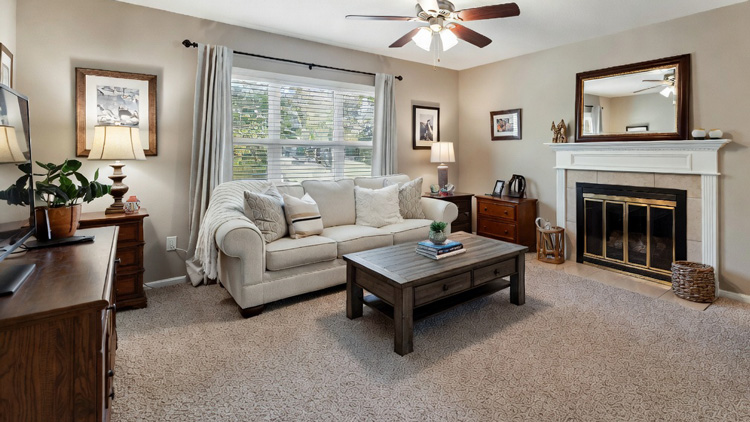
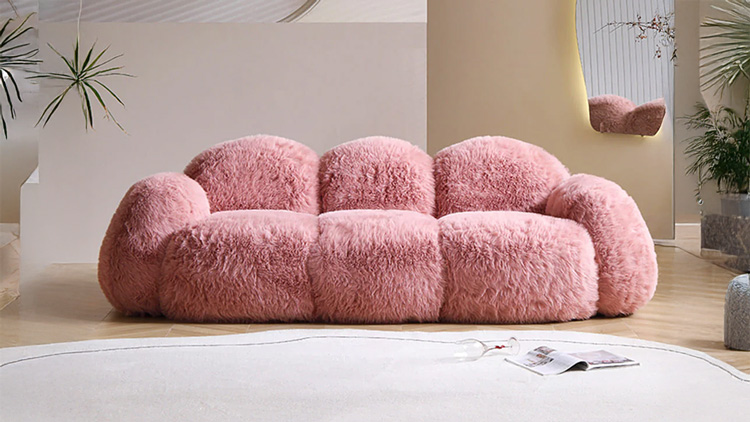
Most shopping photos show furniture in a styled studio or showroom. DecorViz helps you see furniture in your room, where the product will actually live.
Picture furniture in your room
Visualize furniture in your room photo with your wall color, flooring, window light, existing pieces, and layout before you commit.
Swap old furniture with a new piece
Try a new sofa, rug, bed, table, chair, lamp, or decor item in the same spot before you commit to the purchase.
Use product images from any store
DecorViz works from a room photo and a furniture image, so you are not limited to one retailer's catalog or an AR app with a small product library.
Place Several Pieces of Furniture in One Room Photo
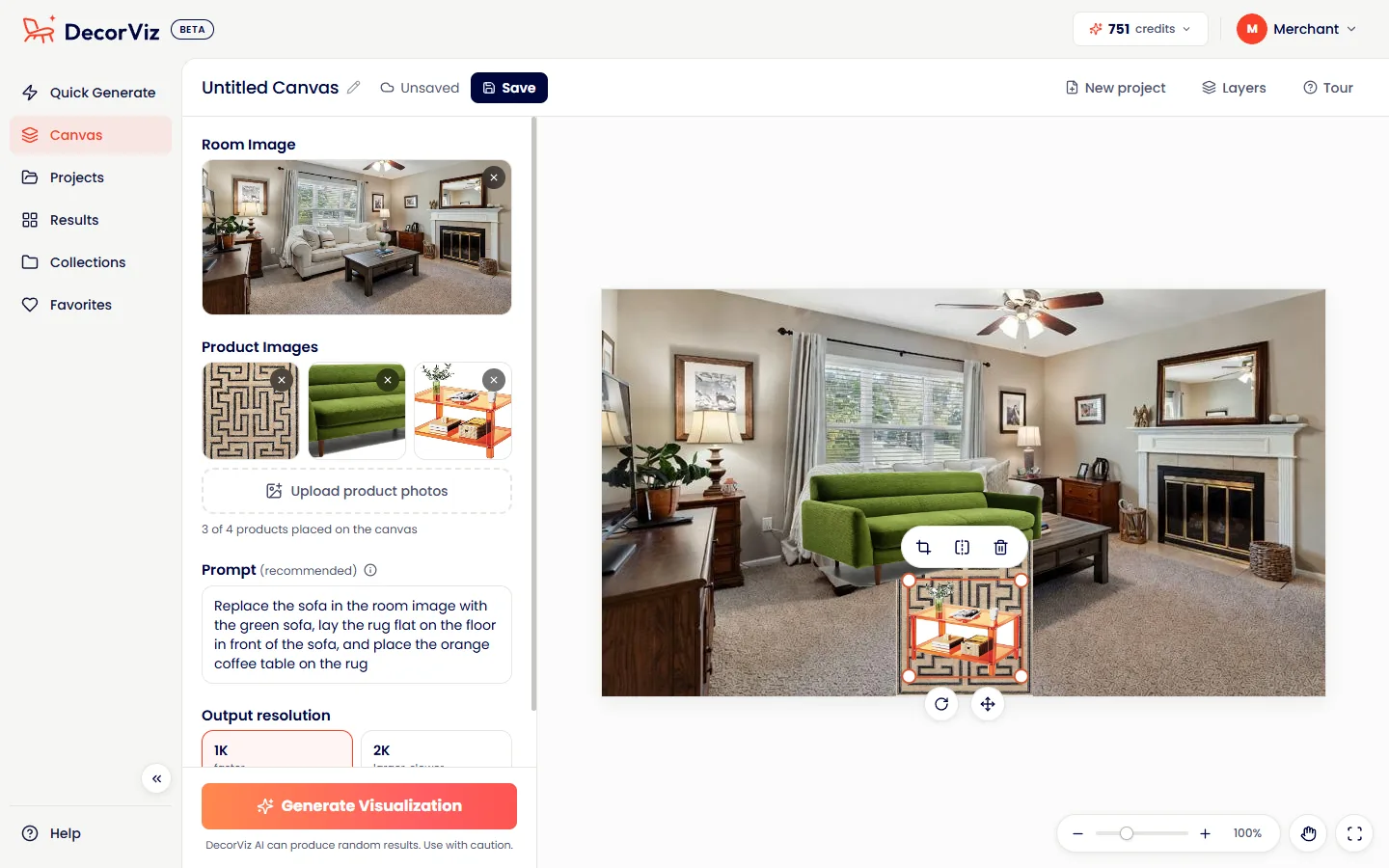
Choosing more than one piece? Canvas puts up to 4 products from any store into the same photo of your room. You decide where each one goes, and DecorViz generates the whole scene as one realistic preview, so you see how the pieces look together before you buy any of them. See how Canvas works.
- Up to 4 products in one room photo, from one store or from several
- You choose where each one goes. Move, resize, rotate, crop or flip it on the canvas
- One prompt for the whole scene, then one realistic photo of your room
- Save it as a project to swap a piece later and generate again
Common furniture previews
Start with the product type you are actually buying. Each page focuses on the visual decisions that matter for that item.
Sofas and sectionals
Check size, color, shape, and how the sofa works with the rest of the room.
Rugs and decor
Compare rug size, pattern, color, and whether the room feels balanced after the swap.
Tables, beds, and storage
Preview furniture that changes the layout: dining tables, coffee tables, beds, TV stands, and storage pieces.
See a table in your room, preview a bed, or test a TV stand.
Stop guessing how furniture will look at home.
Upload your room. Add the product. See the furniture in your real space before you buy.
Try DecorViz - it is free to startFrequently Asked Questions
Common questions about using DecorViz to see, add, or swap furniture in your room. See the free AI furniture placement guide for a complete walkthrough.
Yes. Upload your room photo and the furniture image you want to test. DecorViz creates a realistic preview so you can compare the new piece in your existing room.
Yes. You can upload a product image from almost any retailer, marketplace, brand, or merchant catalog.
Yes. With DecorViz Canvas you place up to 4 products in one room photo and choose where each one goes. Move, resize, rotate or crop each product on the canvas, write one prompt for the whole scene, and DecorViz generates a realistic photo of the room with every piece in it.
Use a clear, well lit room photo and a single product photo with the furniture centered and easy to see.
No. Full-room redesign apps usually change the whole room. DecorViz focuses on the specific product you are considering, so you can preview that real item in your real space.
Yes. Create a free account to generate your preview and continue in the app.