
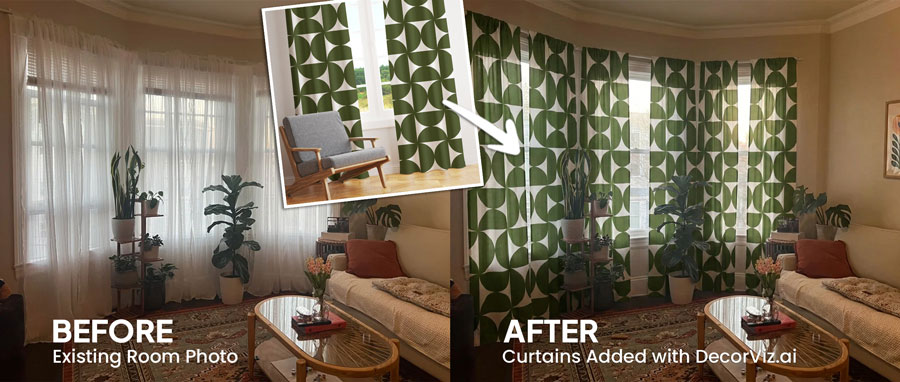
Curtain Visualizer: See Curtains in Your Room
Stop guessing how full panels will change your room. Compare fabric, pattern, and arrangement before buying.
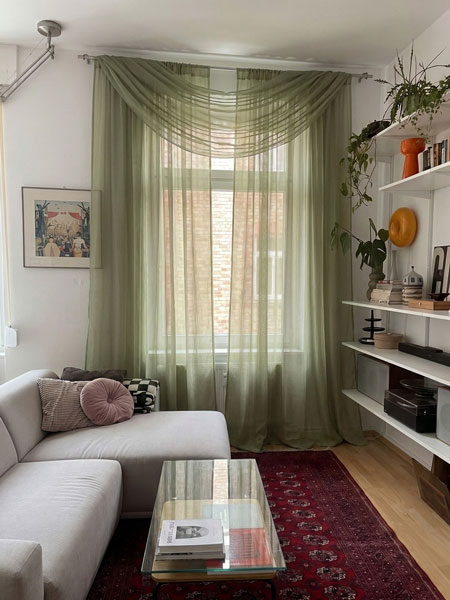
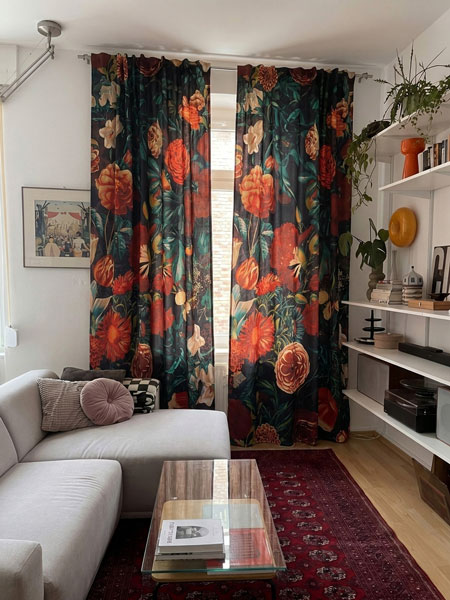
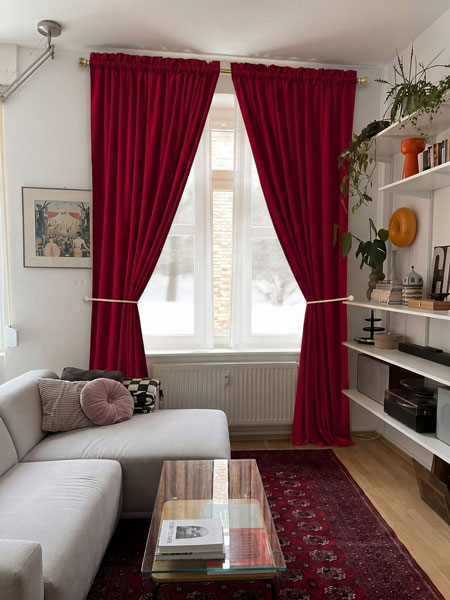
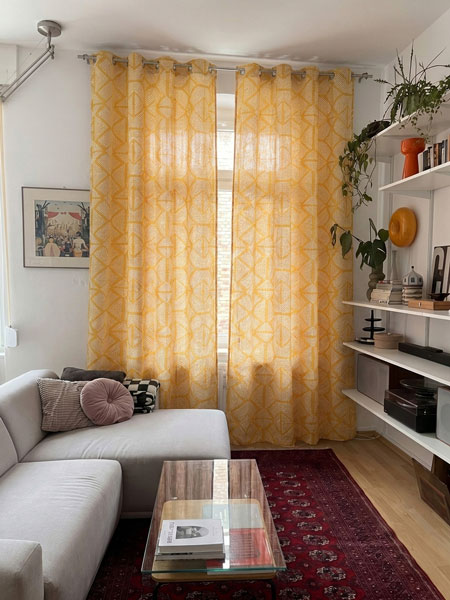
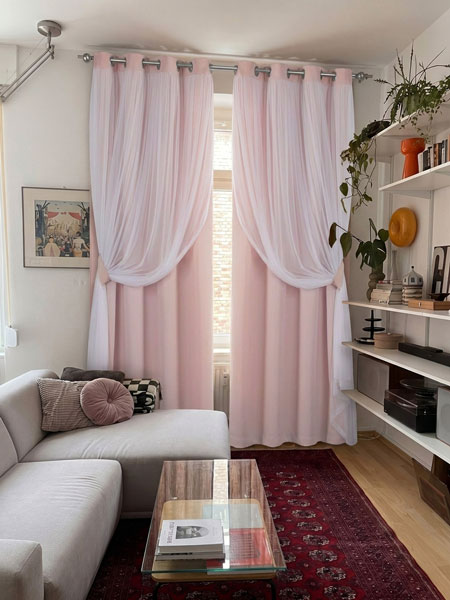
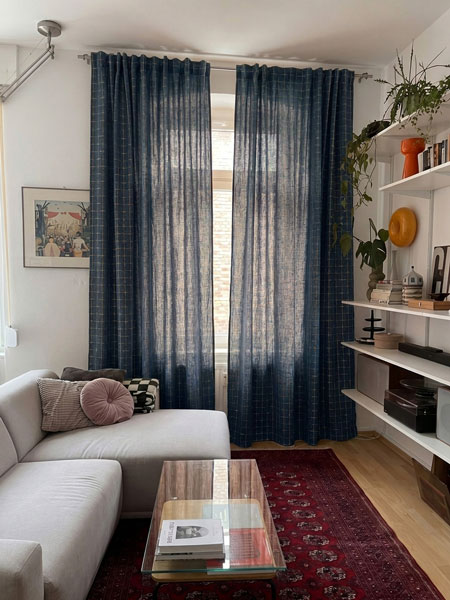
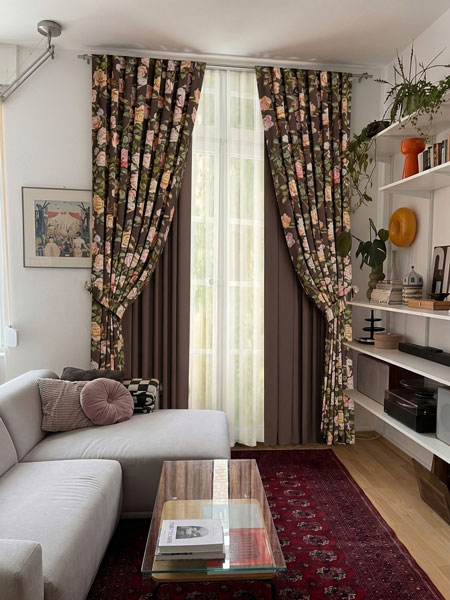
What is a Curtain Visualizer?
DecorViz Curtain Visualizer is an AI-powered tool that shows how a curtain or drape could look around the window in your actual room before you buy. Upload a room photo, add the curtain you are considering, and compare its color, pattern, fabric weight, and arrangement with everything already in the space.
The product image does not need to show the final arrangement. You can upload a closed curtain image and ask DecorViz to show the same curtain opened around your window.
That curtain looks good online. But what happens when it covers an entire wall?
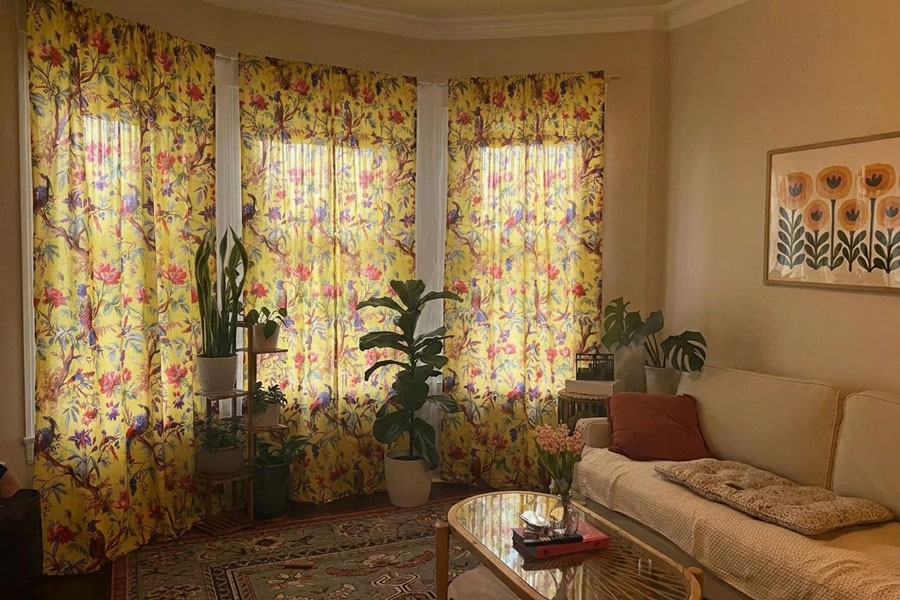
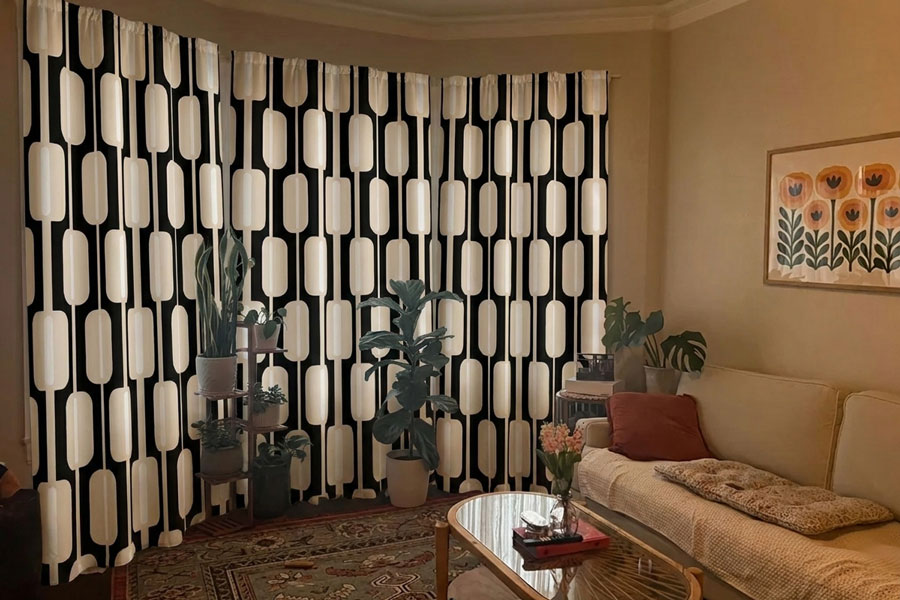
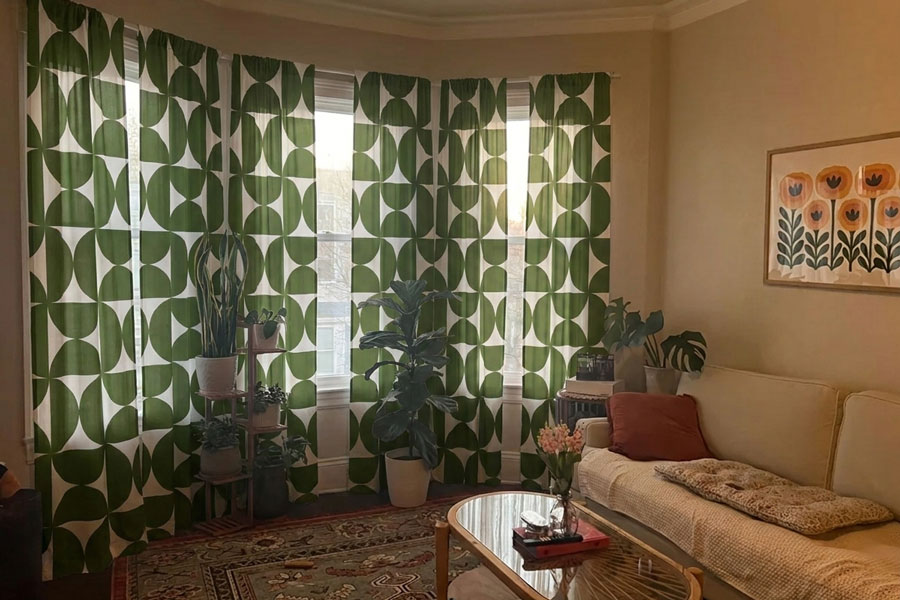
Compare curtain options from the same room view
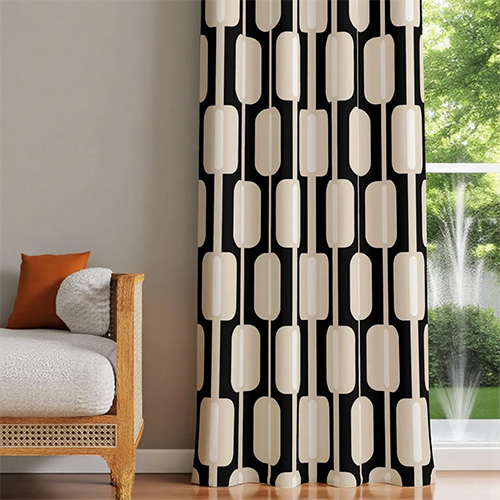
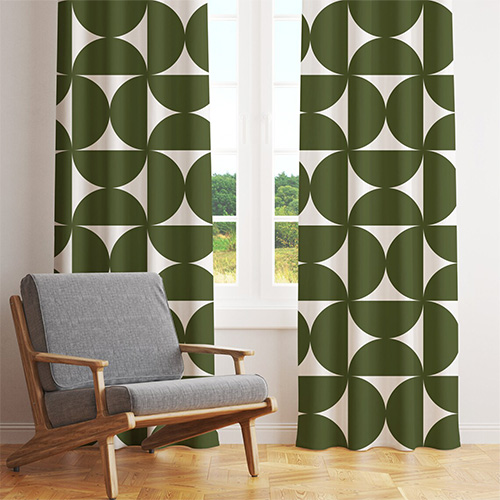
See the difference in a real room
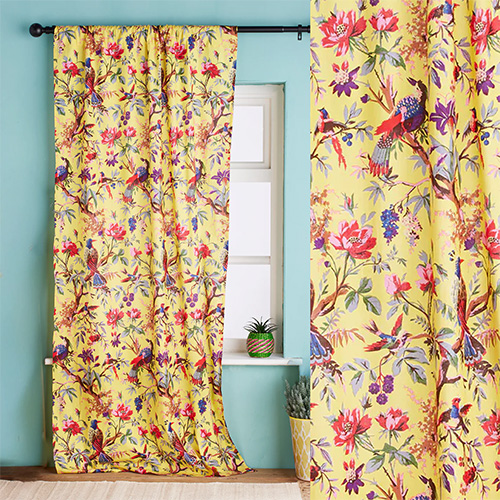
Works with curtains from
See Any Curtain in Your Room in 3 Simple Steps
No AR scan or 3D model. Use your room photo and the curtain image.

Upload Your Room Photo
Show the full window wall and enough surrounding furniture to judge the curtain in context.
Add the Curtain
Upload a curtain or drape image from almost any store. Open, closed, or folded product images can work.

Describe the Arrangement
Ask for open curtains, closed curtains, one-sided draping, or layers with sheers.
DecorViz vs. other curtain preview methods
| Method | Time required | Shows actual curtain | Works for any retailer |
|---|---|---|---|
| DecorViz | Under 1 minute | Yes | Yes |
| Retailer room photo | Instant | Yes (their room only) | No |
| Fabric sample | Days to receive | Partly | Yes |
| Order and return | Days or weeks | Yes | Yes (return fees apply) |
Use the preview for visual comparison. Measure the window and verify panel dimensions before ordering.
Common curtain buying mistakes DecorViz helps you catch
The color dominates the wall
A small swatch can feel neutral while full panels make the entire room warmer, cooler, or darker.
The pattern fights with the room
Compare the curtain with rugs, bedding, upholstery, cushions, and artwork already visible.
The fabric feels too heavy
Velvet and blackout panels can add more visual weight than the product image suggests.
The arrangement looks wrong
Compare open, closed, layered, or one-sided styling before choosing the final treatment.
Who Uses DecorViz for Curtains?
Online Shoppers
Compare curtain products from different stores in one consistent room photo.
Bedroom Refreshers
Check curtain color and fabric beside bedding, rugs, and headboards.
Renters
Test a visual change before ordering panels for a temporary home.
Interior Designers
Show clients how fabric and styling options change the window wall.
What users are saying
"I was torn between two curtains for weeks. Seeing how they draped in my actual room made the choice obvious."
"The preview showed me how a blackout curtain changes the whole feel of the room. Saved me from ordering the wrong one."
"I could show my partner open and closed styling in our actual room. We agreed in minutes."
Also visualize with DecorViz
Stop Guessing. Start Seeing.
Upload your room. Add the curtain. Describe how you want it shown.
Try DecorViz - it is free to startNo commitment. No credit card. Just clarity.
Frequently Asked Questions
Need help? Check our photo upload guide for best results.
A curtain visualizer shows how a curtain or drape could look around the window in your actual room before buying.
Yes. Upload the closed curtain image and ask DecorViz to show the same curtain opened around the window.
Yes. Reuse the same room photo with different curtain images to compare color, pattern, fabric, and styling consistently.
You can preview sheers, blackout curtains, linen panels, velvet drapes, patterned curtains, and layered treatments.
Yes. Upload a clear curtain product image from almost any retailer.
No. Use the preview to judge visual appearance. Measure the window and verify panel dimensions, hardware, and installation requirements before ordering.
Yes. Create separate curtain and blind previews using the same room photo to compare how each treatment changes the room.