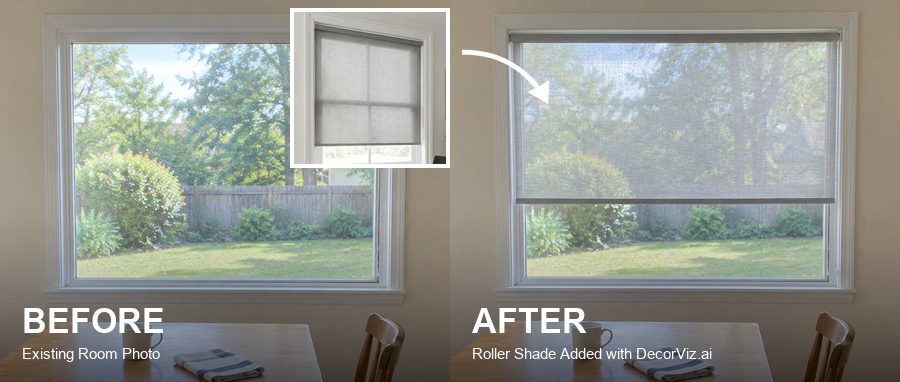
Blinds Visualizer: See Blinds in Your Room
Avoid a blind that clashes with your room. Compare color, material, and coverage on your actual window.
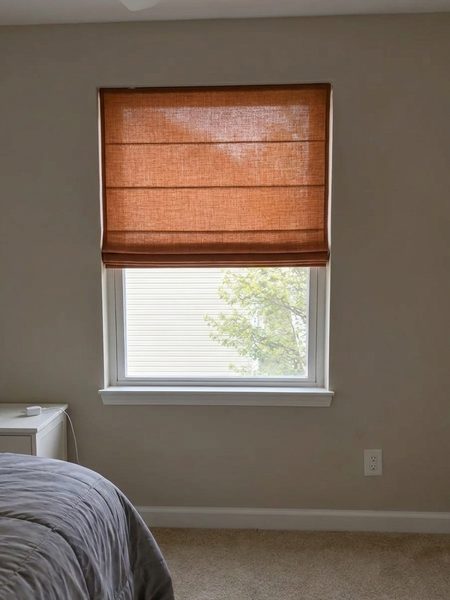
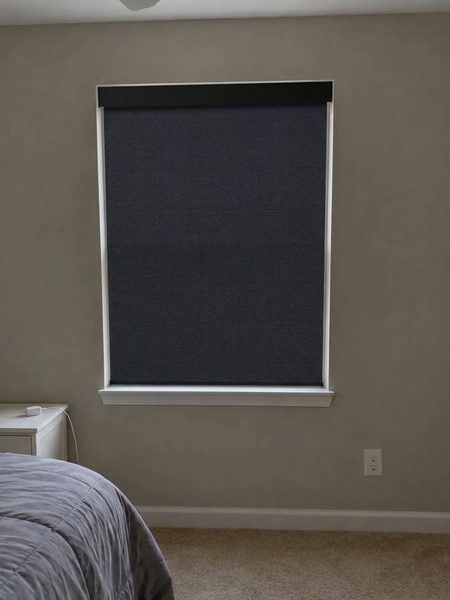
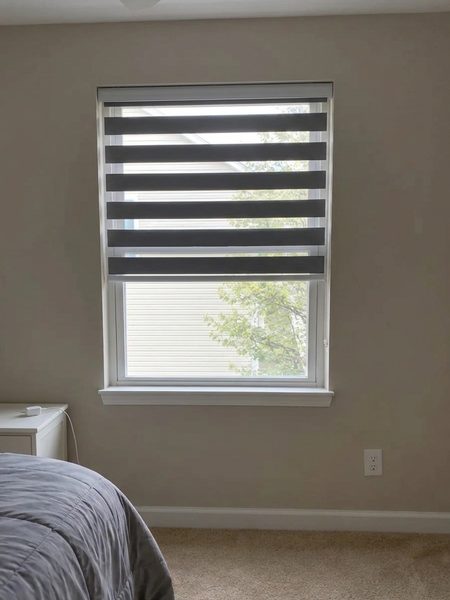
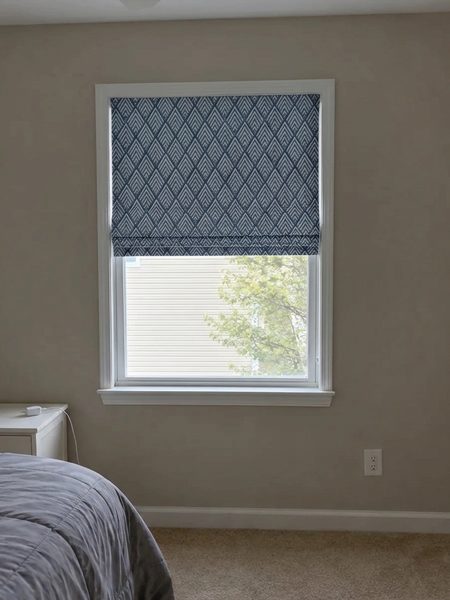
What is a Blinds Visualizer?
DecorViz Blinds Visualizer is an AI-powered tool that shows how a specific window blind or shade could look on the window in your actual room before you buy. Upload the room, add the blind product, and compare color, material, coverage, and visual balance with the surrounding space.
You can also describe the position you want to see, including raised, lowered, partially open, or tilted blinds.
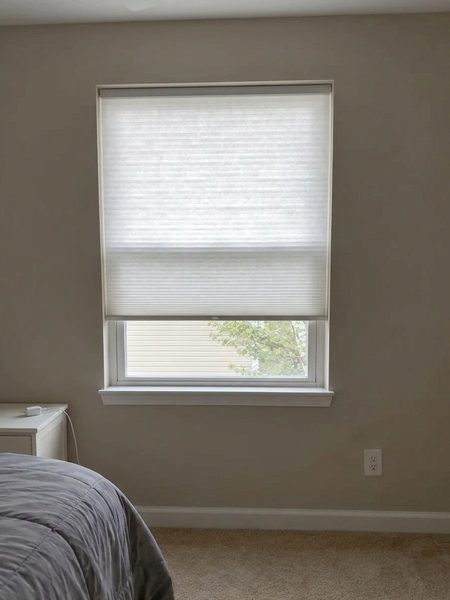
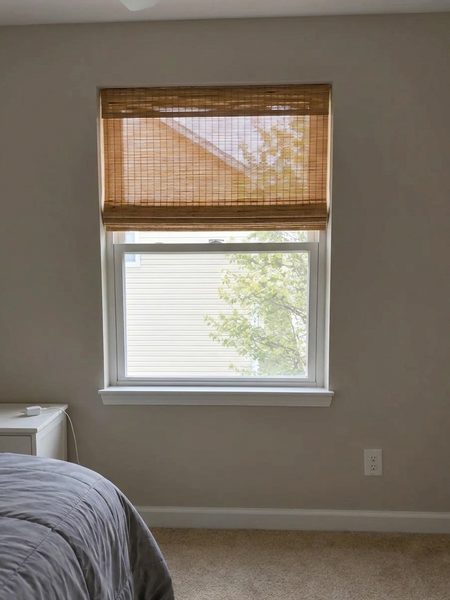
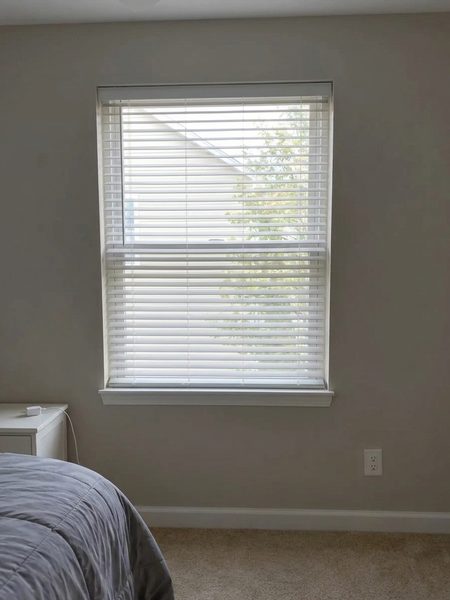
Roller, Roman, or Venetian? Which blind works on your window?
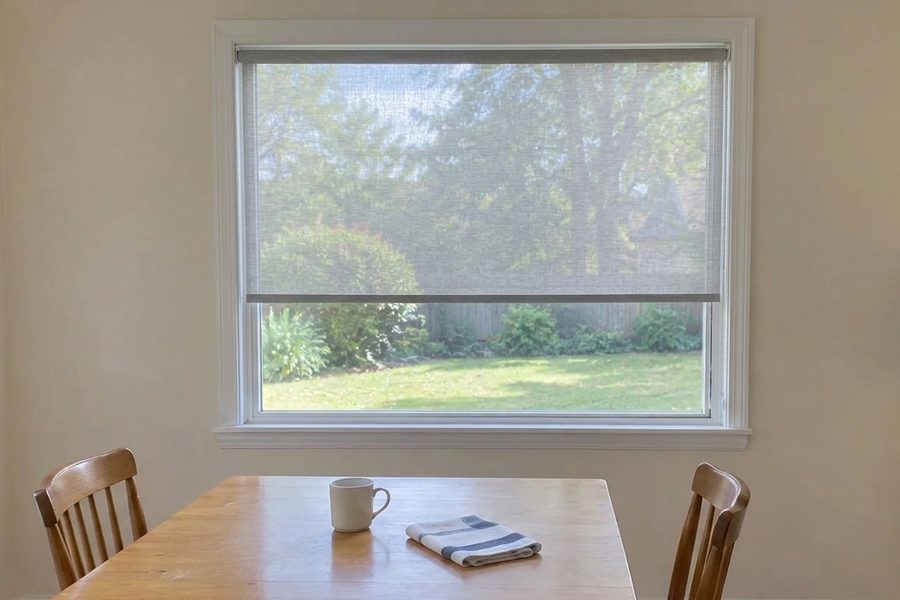
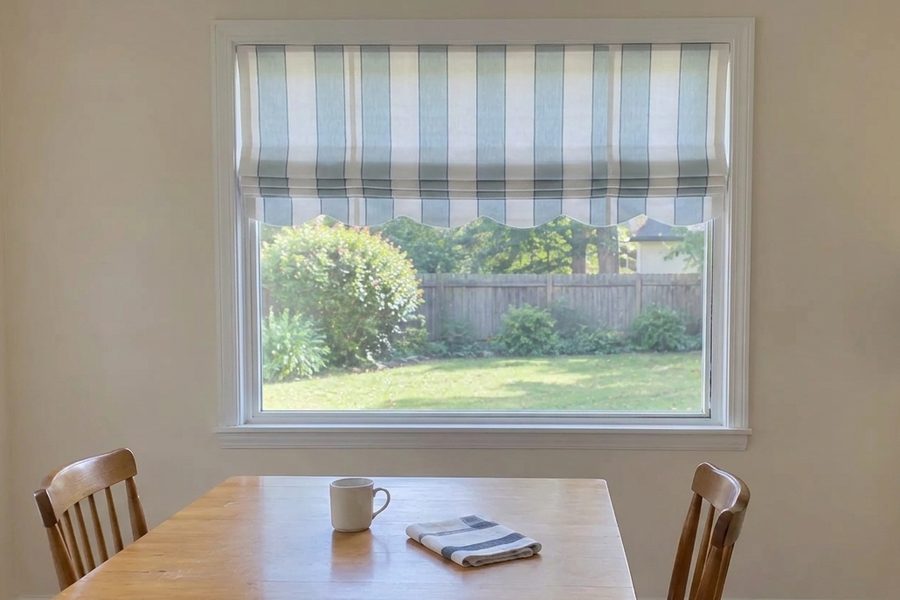
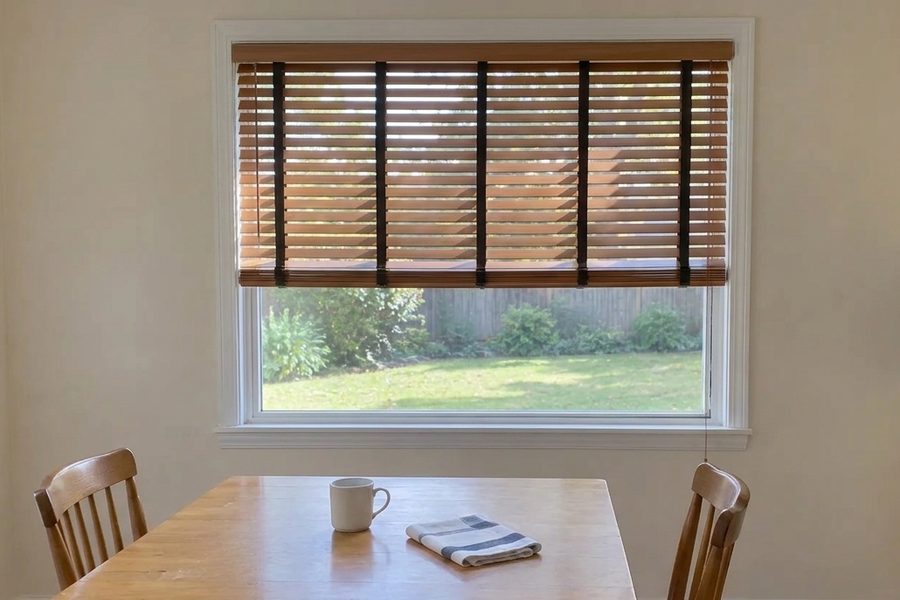
Compare blind options from the same room view
See the difference on your window
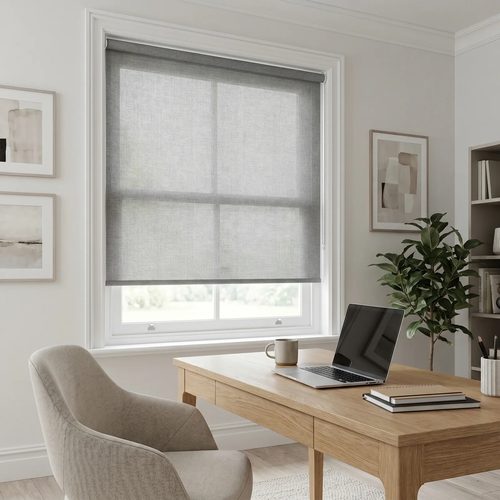
Classic fabric roller shade, Factory Direct Blinds
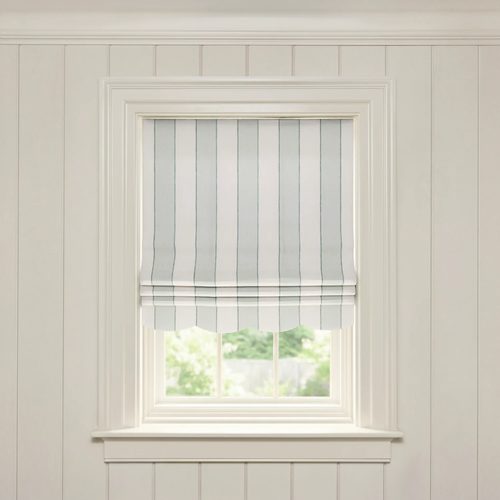
Florence printed linen Roman shade, Pepper Home
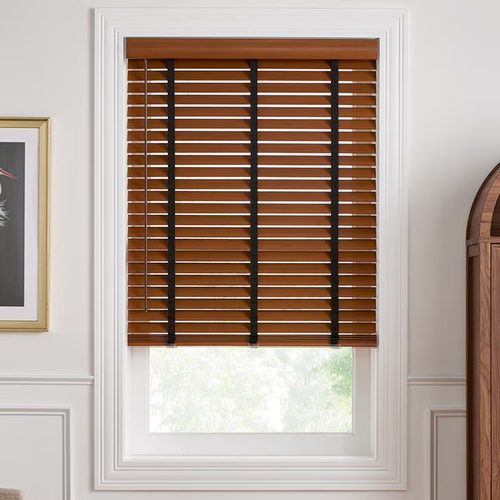
SouthSeas 2 inch faux wood blinds, Blinds.com
Works with blinds from
See Window Blinds in Your Room in 3 Simple Steps
No AR scan or 3D model. Use your window photo and the blind image.

Upload Your Room Photo
Show the full window, frame, surrounding wall, and enough of the room for visual context.
Add the Blind
Upload a roller, Roman, Venetian, woven, cellular, or other blind product image.

Describe the Position
Ask for raised, lowered, tilted, or partially open blinds, then compare the result.
DecorViz vs. other blinds preview methods
| Method | Time required | Shows actual blind | Works for any retailer |
|---|---|---|---|
| DecorViz | Under 1 minute | Yes | Yes |
| Retailer AR visualizer | 5-10 minutes | Generic only | No |
| Material sample | Days to receive | Partly | Yes |
| Buy and return | Days or weeks | Yes | Yes (return fees apply) |
Use the preview for visual comparison. Measure the window and confirm fitting requirements before ordering.
Common blinds buying mistakes DecorViz helps you catch
The color clashes with the trim
Warm white, cool white, gray, black, and wood finishes can read differently beside your window frame.
The material feels too busy
Woven texture or strong slats may compete with flooring, shelving, and furniture finishes.
The lowered blind feels heavy
A full window treatment can change the room more than a small material sample suggests.
The blind style is too formal
Compare clean rollers, soft Roman folds, and structured slats before committing.
Who Uses DecorViz for Blinds?
Online Shoppers
Compare blind products from several retailers on one actual window.
Home Office Owners
Check whether a blind works with the desk, wall color, and daylight.
Minimalist Rooms
Compare low-profile window treatments without adding full curtains.
Interior Designers
Show clients roller, Roman, woven, and slatted options in context.
What users are saying
"I was choosing between roller and wooden blinds for weeks. Saw both in my living room with DecorViz. Ordered the right one in five minutes."
"The preview showed me how the blind color looked next to my wall trim before ordering. Saved me from an expensive mistake."
"I could show my partner how each blind looked in context and we agreed right away."
Also visualize with DecorViz
Stop Guessing. Start Seeing.
Upload your room. Add the blind. Describe how you want it shown.
Try DecorViz - it is free to startNo commitment. No credit card. Just clarity.
Frequently Asked Questions
Need help? Check our photo upload guide for best results.
A blinds visualizer shows how a window blind or shade could look on the window in your actual room before buying.
You can preview roller, Roman, Venetian, wooden, woven, cellular, and other blind or shade products.
Yes. Describe whether you want the blind raised, lowered, tilted, or partially open.
Yes. Reuse the same room photo with different blind products to compare material, color, and style consistently.
Yes. Upload a clear blind or shade product image from almost any retailer.
No. Use the preview for visual comparison. Measure the window and follow the retailer's fitting instructions before ordering.
Yes. Use the same room photo to make separate curtain and blind previews.