
Choose a Furniture Retailer
DecorViz works independently with clear product images from almost any furniture store. These pages focus on the buying decisions shoppers commonly make when comparing products from each retailer.
IKEA Furniture Visualizer
Preview IKEA products and compare familiar ranges, colors, and practical room layouts.
Wayfair Furniture Visualizer
Narrow a large Wayfair shortlist and preview products that do not include a useful room view.
Amazon Furniture Visualizer
Compare similar Amazon listings and see the exact product image in your room before ordering.
Pottery Barn Furniture Visualizer
Evaluate substantial furniture, upholstery options, finishes, and coordinated collections.
West Elm Furniture Visualizer
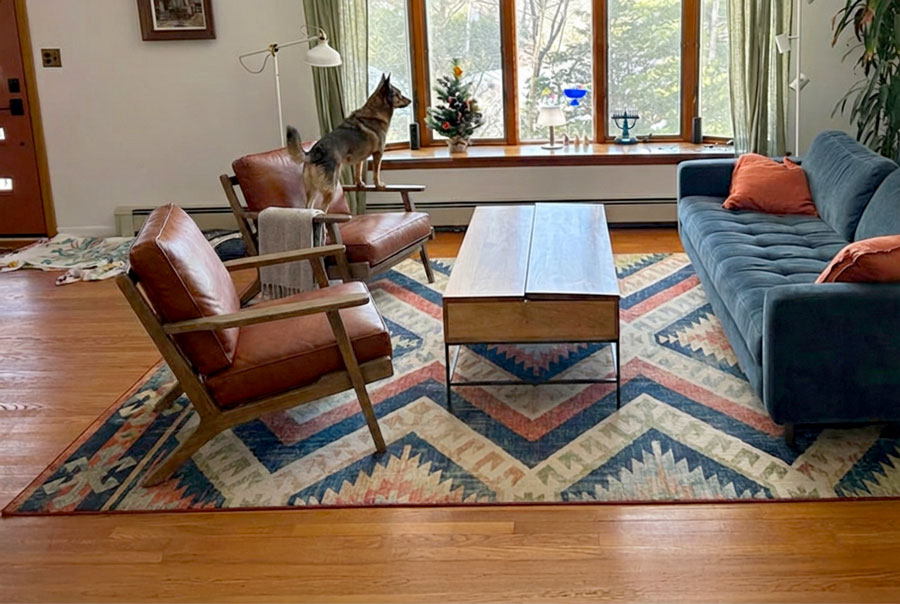
Test modern silhouettes, statement colors, materials, and apartment-friendly visual scale.
Target Furniture Visualizer
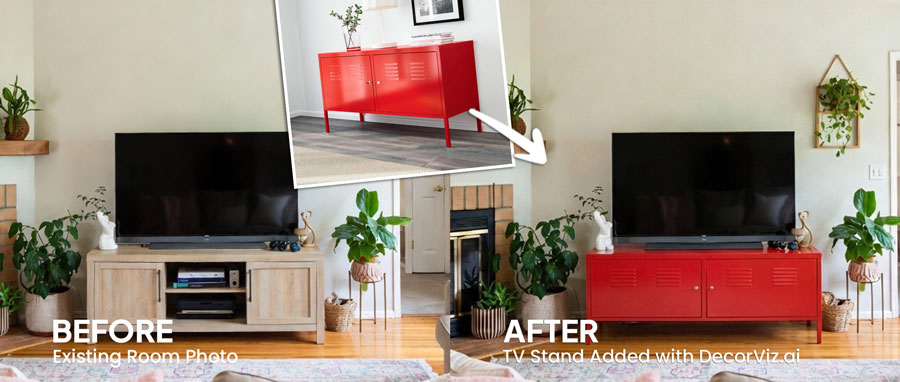
Compare affordable alternatives, online-only products, storage, furniture, and decor.
Ashley Furniture Visualizer
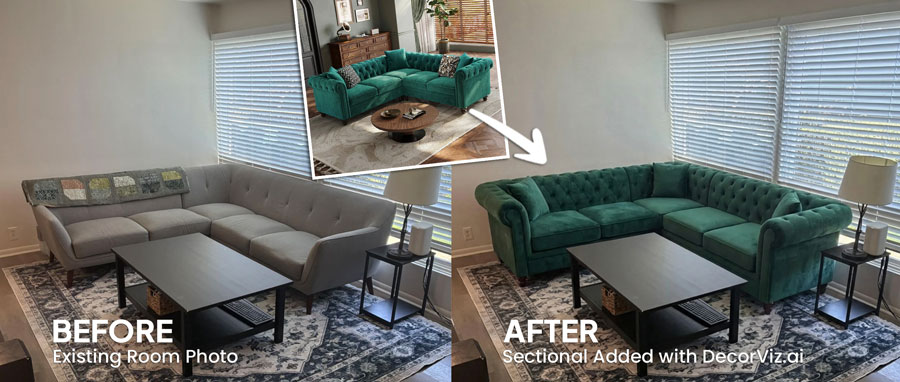
Review large sofas, sectionals, bedroom sets, and dining furniture before arranging delivery.
Article Furniture Visualizer
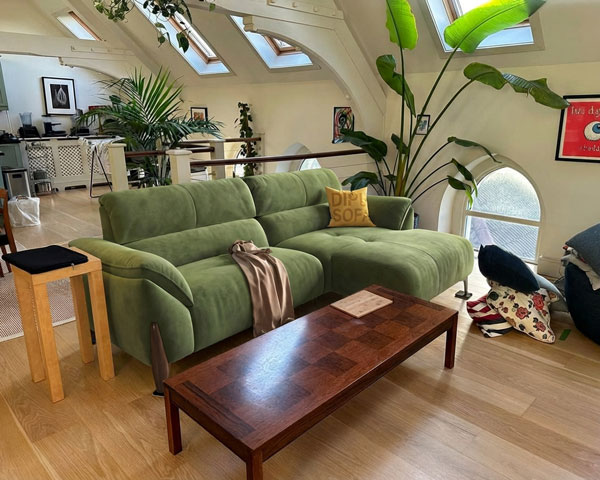
Compare direct-to-consumer sofa configurations, neutral upholstery, leather, and wood tones.
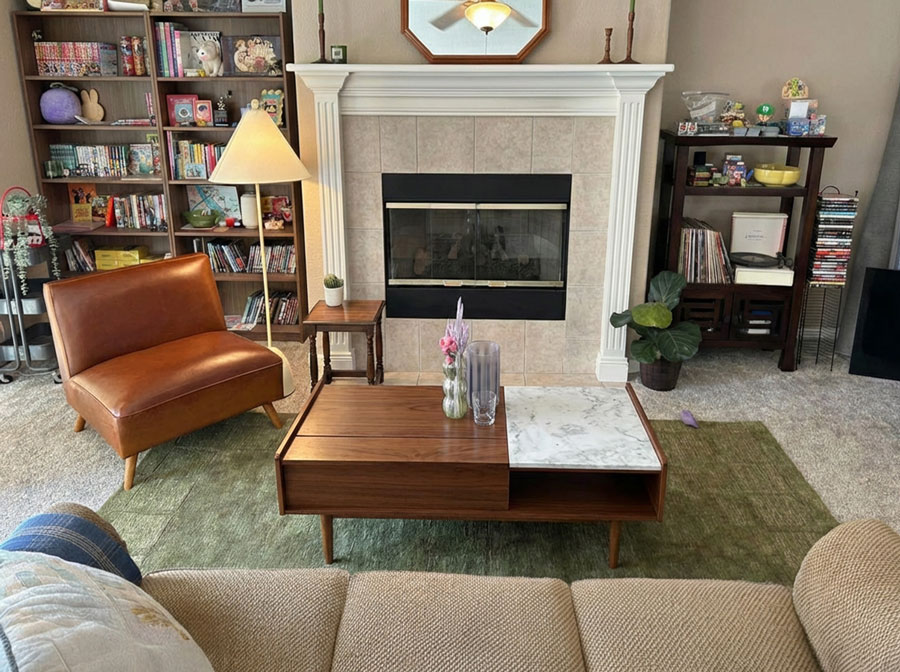
CB2 Furniture Visualizer
See whether sculptural shapes, statement pieces, and bold modern materials suit your room.
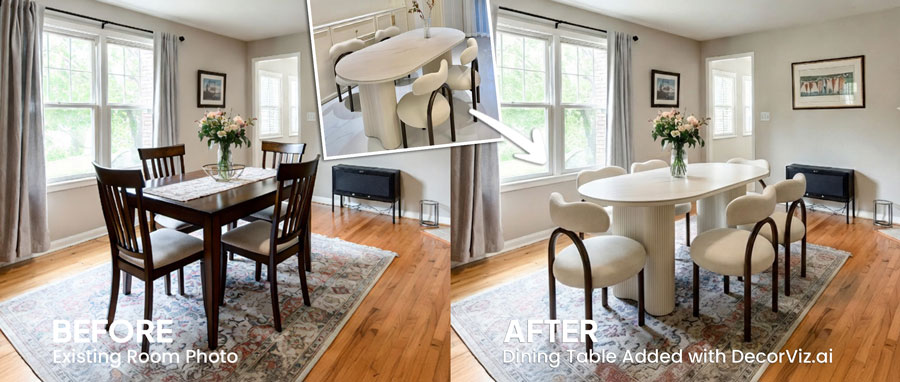
Crate & Barrel Furniture Visualizer
Preview investment furniture, dining collections, upholstery, and coordinated additions.
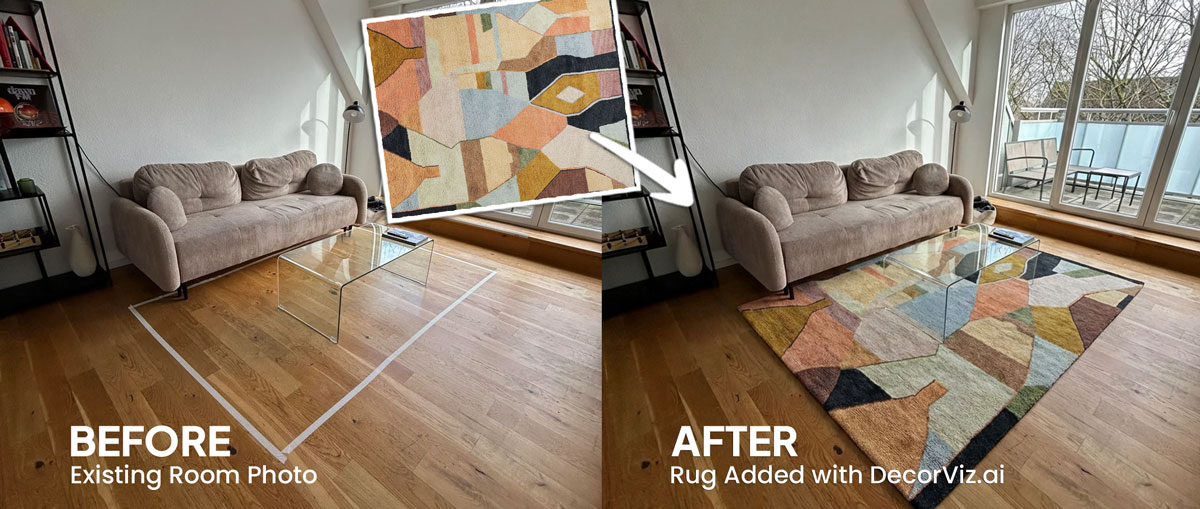
Ruggable Rug Visualizer
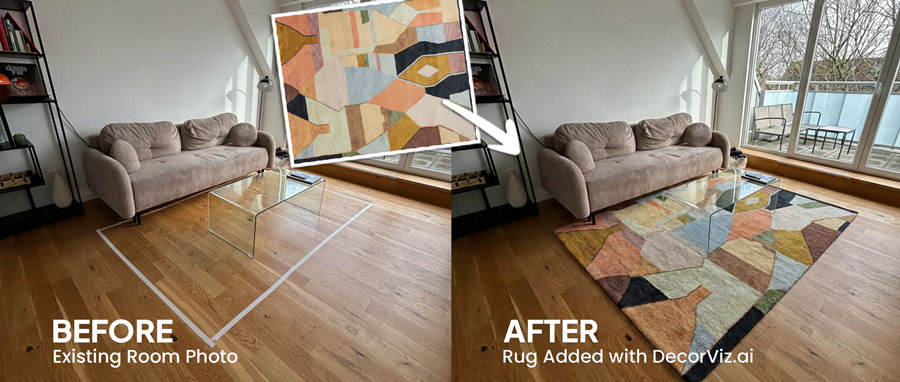
Compare washable rug patterns, colors, and visual coverage against your own floor and furniture.
How Retailer Furniture Visualization Works
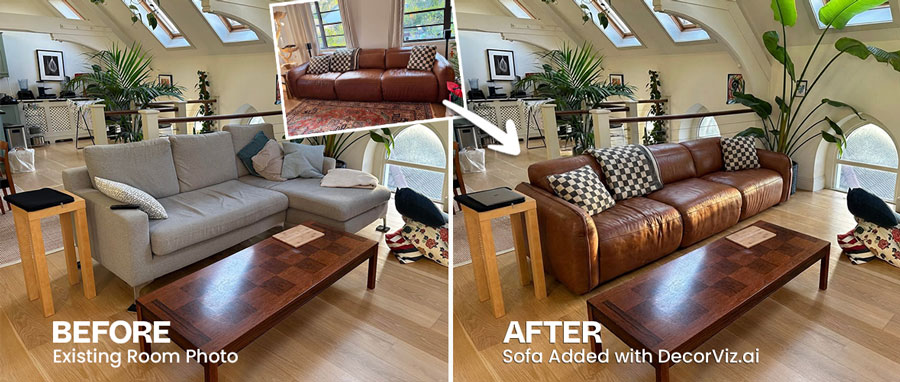
1. Upload Your Room
Use a clear photo showing the furniture, finishes, and placement area relevant to your decision.
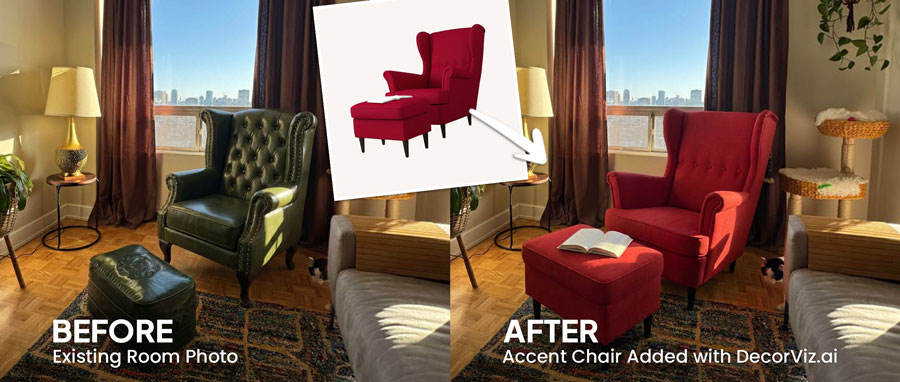
2. Add the Product Image
Save a clear product image from the retailer page and upload it alongside your room photo.
3. Preview or Swap It
See the new piece in an open area or replace existing furniture to compare the change before buying.
Shopping from another retailer?
DecorViz works with almost any clear furniture product image, even when a dedicated retailer page is not listed.