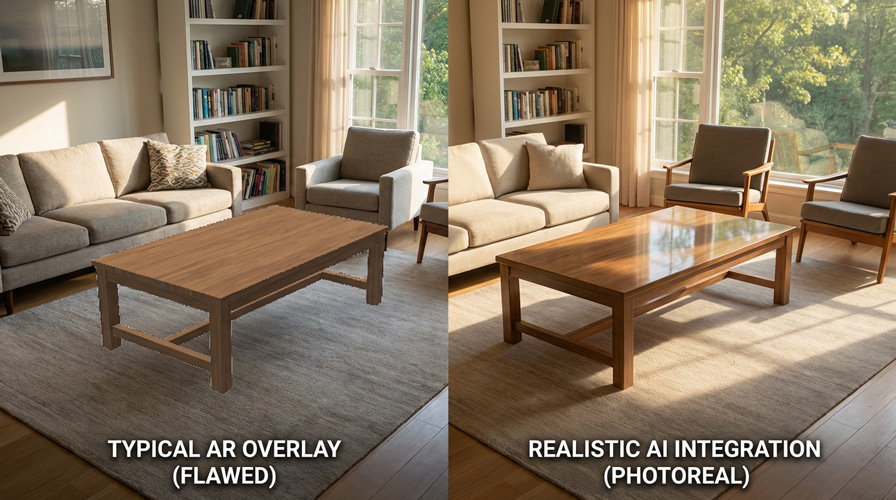
The best furniture visualization tool is the one built for your actual retail job. A store that wants to add a room-preview button from existing photos has different requirements from a manufacturer managing configurable sofas, or an enterprise retailer building complete 3D rooms.
Disclosure and review method
DecorViz publishes this guide and is included as one option. We do not assign an overall winner. Capabilities were checked against public first-party vendor materials available on August 2, 2026. Pricing and implementation scope should be confirmed directly with each vendor.
Quick comparison of furniture visualization platforms
| Tool | Best fit | Starting assets | Primary experience |
|---|---|---|---|
| DecorViz | Stores wanting product-page room previews without a 3D catalog | Product photos | Shopper room-photo preview |
| Roomvo | Retailer and manufacturer networks in home decor categories | Structured product catalog and imagery | Room visualization online and in store |
| Chaos Cylindo | Furniture brands building reusable 3D visual commerce content | Product data and 3D master assets | 360 views, configuration, AR, lifestyle content |
| 3D Cloud | Large retailers offering full-room planning and design services | 3D product catalog | Room planners, configuration, WebAR |
| Threekit | Complex or configurable furniture and B2B sales workflows | 3D models, materials, rules, product data | 3D configuration, virtual photography, AR |
| Zakeke | Merchants selling customizable furniture across common ecommerce platforms | 3D models and configuration rules | 3D customization, AR, asset management |
| VNTANA | Teams that already have 3D source assets and need web distribution | CAD, 3D design files, or scans | 3D optimization, CMS, web and AR delivery |
How we selected these tools
Each platform had to serve furniture or home-goods commerce directly and offer a public description of its visualization workflow. We prioritized tools that solve meaningfully different jobs rather than listing seven near-identical AR viewers.
Shopper decision
Does the tool help a shopper understand one product, configure it, or plan a complete room?
Asset requirement
Can the retailer start from product photography, or does it need a modeled and governed 3D catalog?
Operational fit
Is the platform aimed at a lightweight product-page addition, a configurable-product program, or an enterprise 3D pipeline?
1. DecorViz Storefront: best for photo-based product-page previews
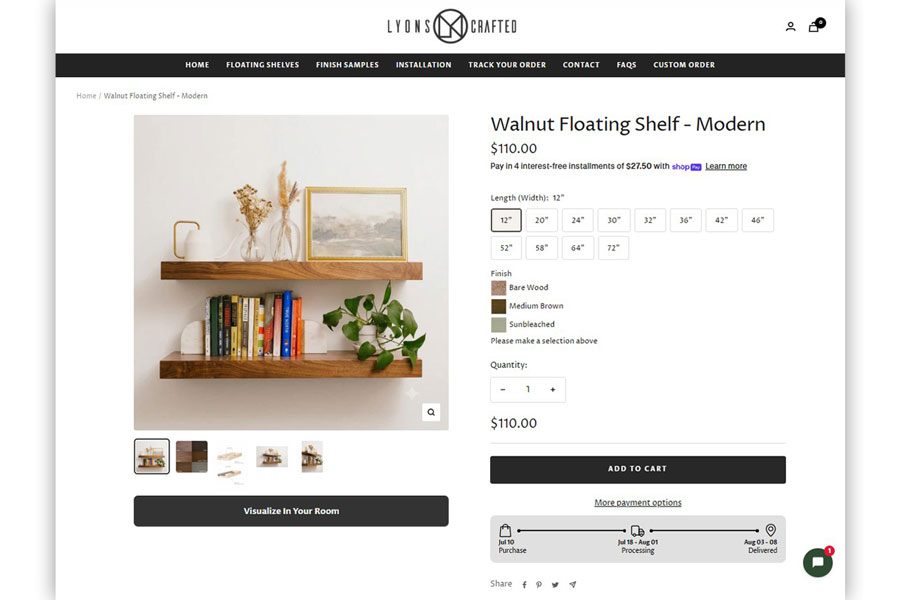
DecorViz Storefront adds a “See in Your Room” experience to furniture product pages using the product imagery a retailer already has. The shopper uploads a private room photo and receives a visual reference for that exact product in the room.
Strength
No 3D catalog or shopper app is required. It is a focused way to add room context to an existing product decision.
Tradeoff
DecorViz is intentionally focused on visualizing a selected product in the shopper's room; full interior design and multi-product room planning belong to broader planning platforms.
Best for: Small and mid-sized furniture retailers that want a photo-based room preview without first creating 3D models for every product.
Explore DecorViz Storefront or read the Shopify furniture visualizer guide.
2. Roomvo: best for category-scale room visualization networks
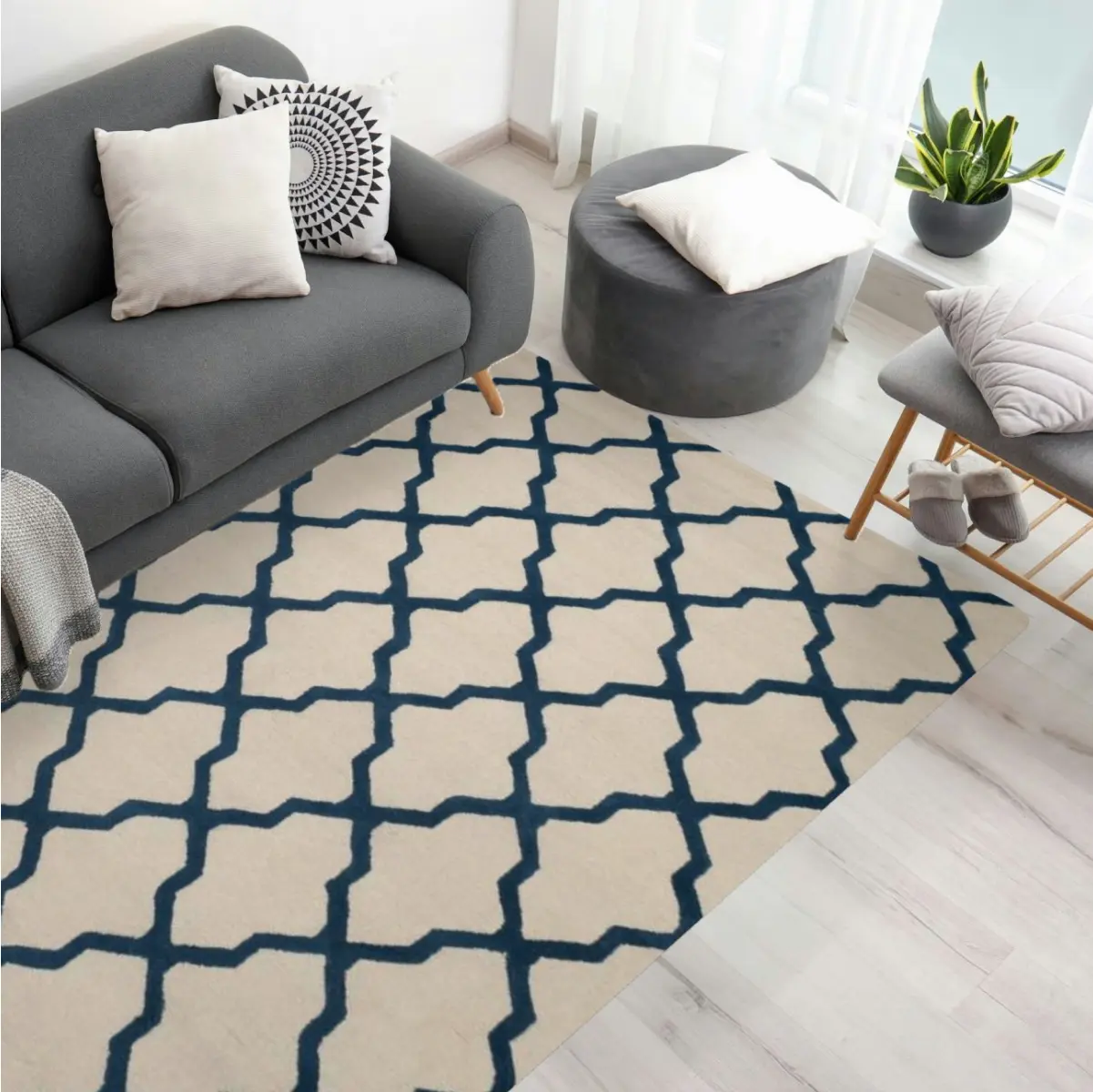
Roomvo provides digital and in-store room visualization for manufacturers, distributors, and retailers. Its public materials emphasize broad home-decor catalogs and retailer networks, with dedicated experiences for categories such as rugs and flooring.
Comparing Roomvo directly with DecorViz Storefront? The Roomvo alternative page for furniture retailers covers assets, deployment, and pricing side by side.
Strength
A mature retailer and manufacturer network with category-specific visualization and analytics.
Tradeoff
The program is better aligned with structured category catalogs than an ad hoc preview from any product photo.
Best for: Flooring, rug, wall, and home-decor brands that want visualization deployed across a connected dealer or retailer network.
3. Chaos Cylindo: best for furniture-focused 3D visual commerce
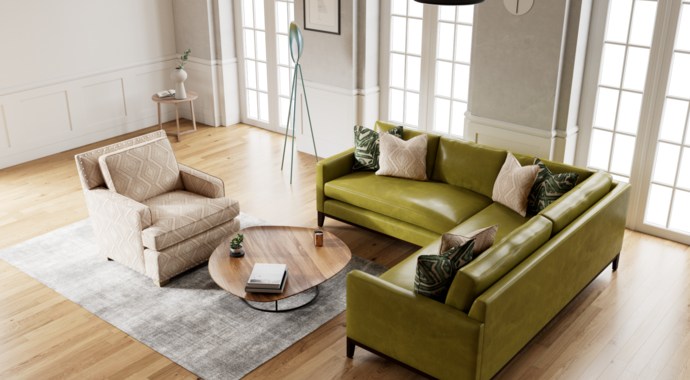
Chaos Cylindo is a furniture-focused 3D product visualization platform. Its ecosystem turns product data and master 3D assets into reusable commerce content, including detailed product views, configurable variants, AR experiences, and lifestyle imagery.
Strength
Furniture specialization and a reusable 3D content pipeline across product pages and marketing channels.
Tradeoff
A 3D master-asset program requires more preparation and governance than a photo-only widget.
Best for: Furniture brands and retailers investing in high-quality 3D assets that can support multiple visual commerce outputs.
4. 3D Cloud: best for complete-room planning
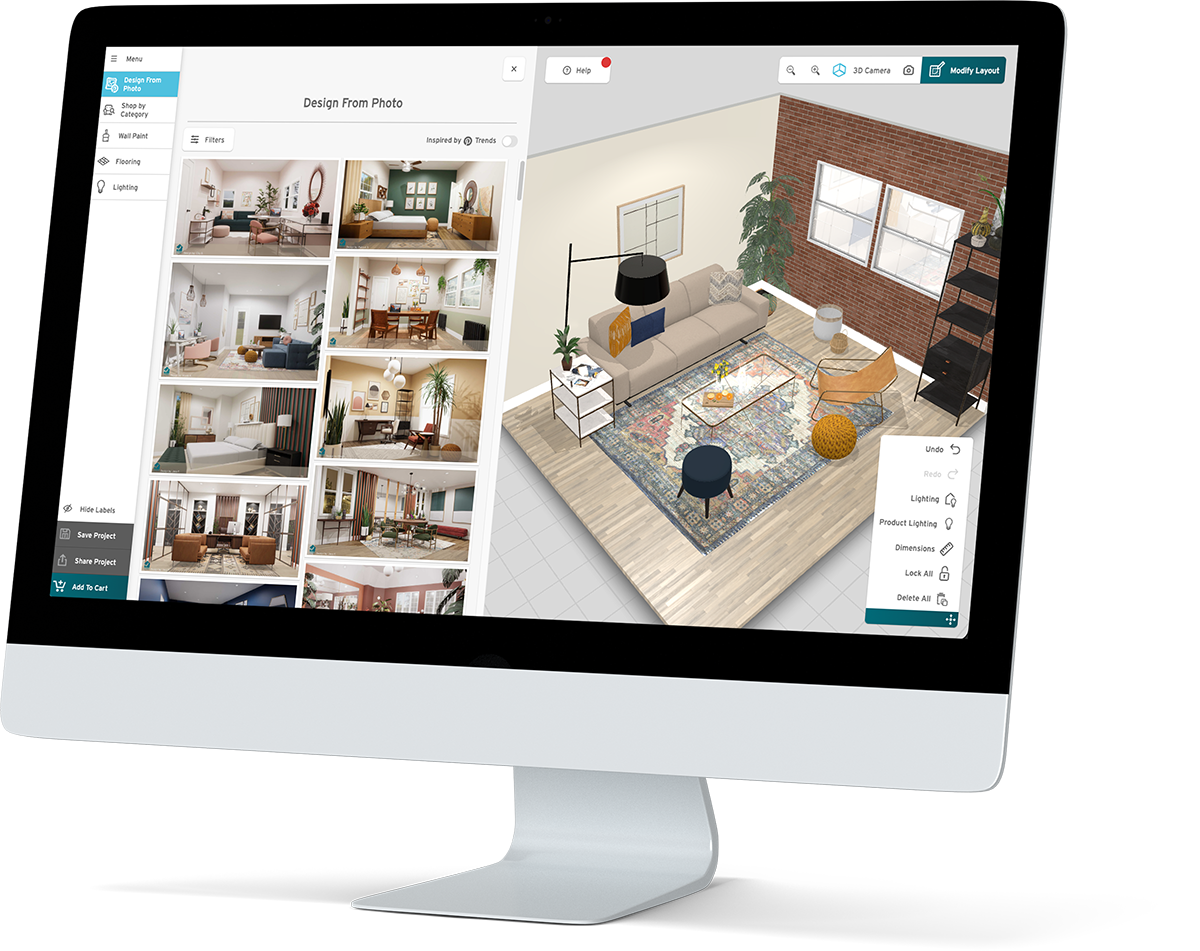
3D Cloud offers room planners, product configurators, WebAR, and related retail applications for home furnishings. Its room planner supports ecommerce products, pricing and cart integration, room layouts, and workflows for shoppers, sales associates, and designers.
Strength
A broad, furniture-specific planning suite for complete spaces and assisted selling.
Tradeoff
A full room-planning program requires a larger 3D content and implementation commitment.
Best for: Enterprise furniture retailers that want room planning, design-service support, configuration, and ecommerce integration in one ecosystem.
5. Threekit: best for complex furniture configuration
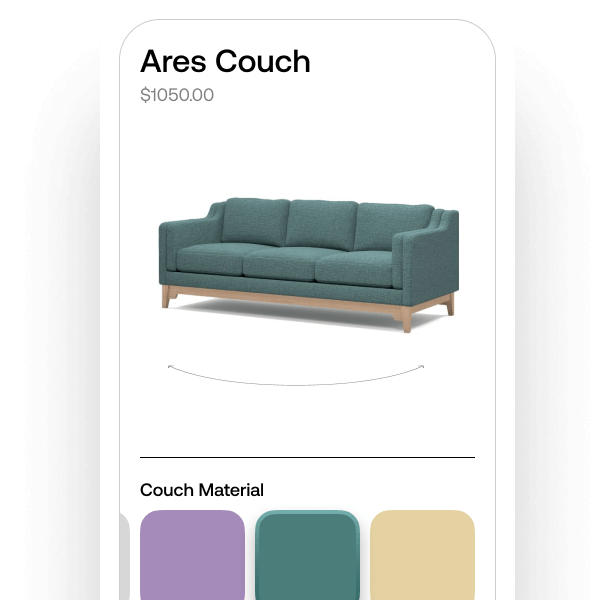
Threekit combines 3D configuration, virtual photography, augmented reality, and asset management. Its furniture offering supports materials, components, business rules, ecommerce integrations, and manufacturing outputs for configurable products.
Strength
Deep configuration logic for furniture with many finishes, components, bundles, or production rules.
Tradeoff
It is more platform than a retailer needs when products are simple and the only goal is a quick room preview.
Best for: Custom, modular, contract, or made-to-order furniture where the configuration must connect to sales or manufacturing data.
6. Zakeke: best for ecommerce-ready customization and AR
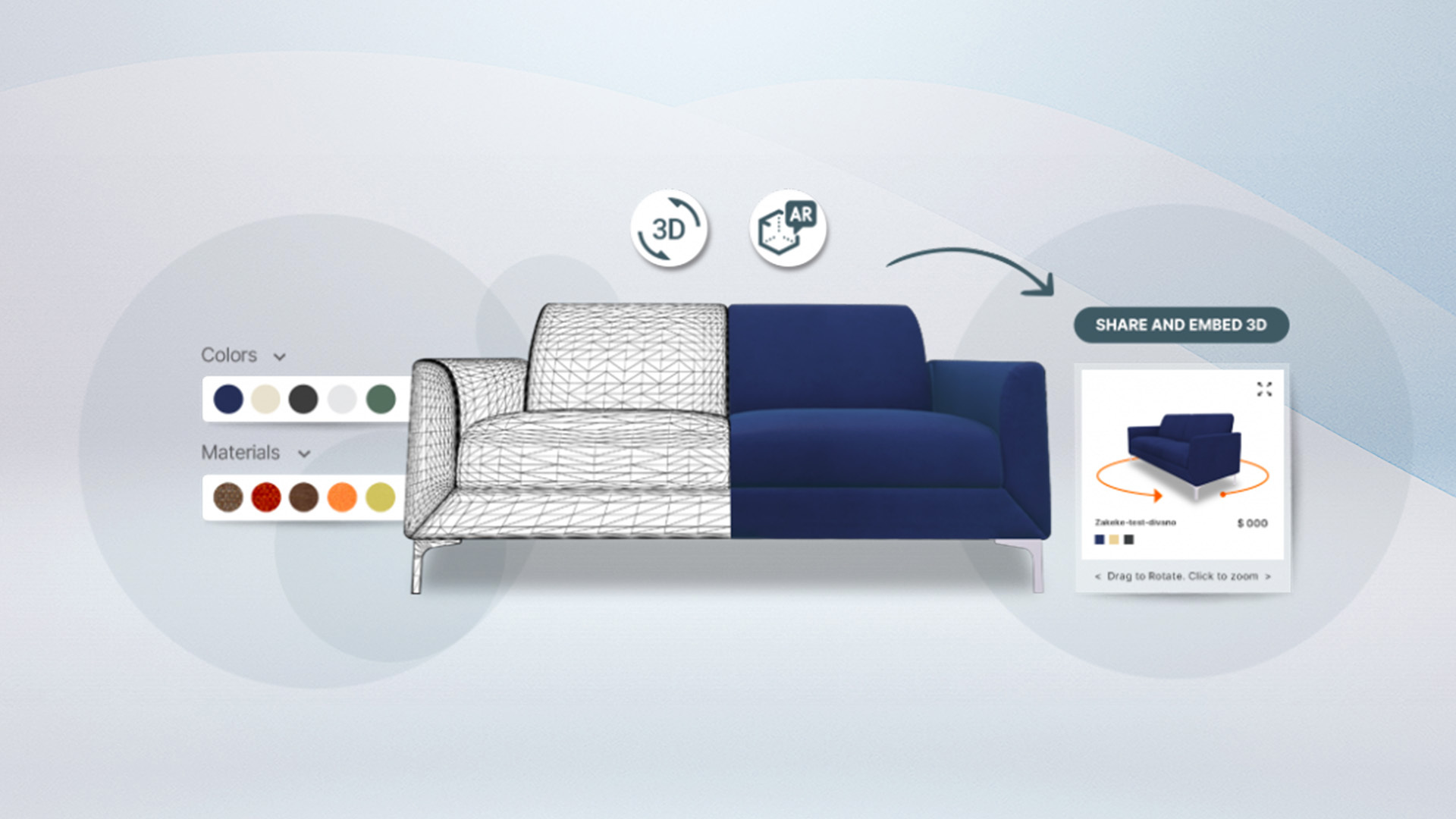
Zakeke offers 3D product configuration, AR viewing, centralized 3D asset management, and ecommerce connections. Its furniture product supports configurable materials, components, textures, and product rules.
Strength
A combined customization, 3D, and AR toolkit designed to connect with ecommerce workflows.
Tradeoff
Merchants still need suitable 3D models and configuration setup for the furniture they want to sell.
Best for: Ecommerce merchants selling customizable furniture who want configuration and AR inside the buying journey.
7. VNTANA: best for optimizing and distributing existing 3D assets
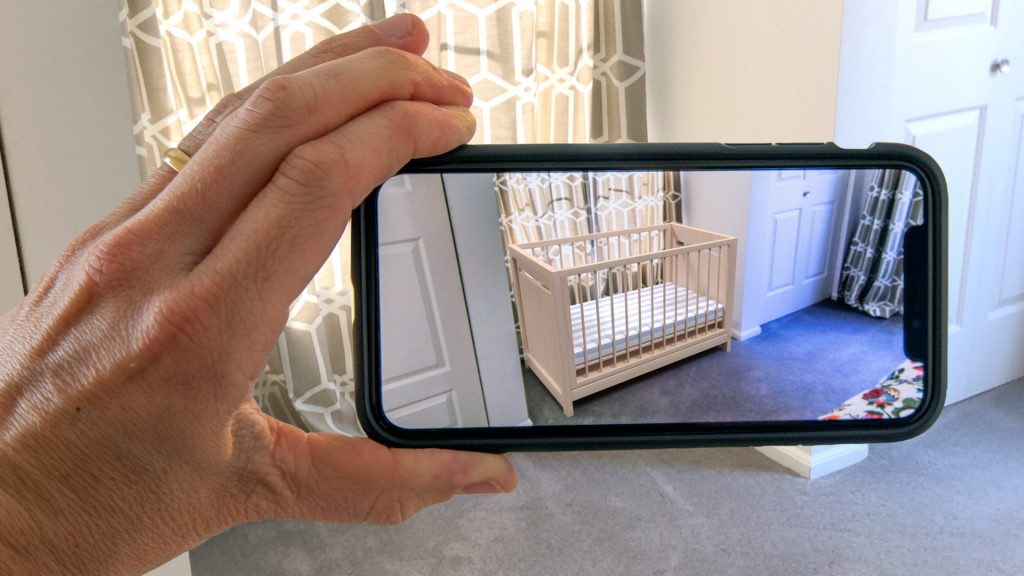
VNTANA is a 3D-first content management and delivery platform. It converts existing manufacturing design files or scans into web-ready 3D and AR experiences and distributes those assets to ecommerce and marketing channels.
Strength
Useful infrastructure for teams that already have complex 3D source files but need optimization, governance, and deployment.
Tradeoff
It is primarily a 3D asset pipeline, not a photo-based room visualization service for retailers without 3D assets.
Best for: Manufacturers and retailers with an established 3D asset library that need a reliable route to web, AR, and commerce channels.
How to choose the right furniture visualization tool
Define the shopper decision
Choose between single-product room context, interactive product configuration, full-room planning, or 3D product inspection.
Audit the assets you already own
A strong product-photo catalog supports photo-based visualization. 3D and AR programs need modeled, maintained, and correctly mapped assets.
Start with one product family
Test the workflow on a high-consideration category before applying it to the whole catalog.
Evaluate privacy and operational ownership
Confirm who can access shopper images, who maintains assets, what happens when products change, and how the tool affects page performance.
Measure the right interaction
Track visualizer starts, completions, product-page continuation, qualified leads, and category-level behavior. Avoid judging the tool only by page views.
Furniture visualization software FAQ
What is the best furniture visualization tool for a small retailer?
A smaller retailer should first identify whether it needs photo-based room context or full 3D configuration. Photo-based tools can use an existing image catalog. 3D platforms make more sense when configuration, rotation, AR, or precise planning justifies the asset investment.
Do furniture visualization tools require 3D models?
Not all of them. DecorViz uses product photos. Room planners, 3D configurators, interactive viewers, and many AR workflows generally require prepared 3D assets.
What is the difference between a room visualizer and room planner?
A room visualizer shows a product or surface in a room context. A room planner creates a structured room layout and can support multiple products, dimensions, configuration, and cart workflows.
Should a retailer choose AI visualization or AR?
Choose based on the job. Photo-based AI can create realistic context from a still room photo. AR is useful for live placement when compatible 3D assets and devices are available. Some retailers use both.
Need a photo-based starting point?
DecorViz Storefront adds room context to furniture product pages using the product photos you already have.