Room-product visualizer

Living Room Sectional Visualizer

Upload a photo of your living room and any sectional product image. Preview the sectional in your actual seating area, compare it against a standard sofa, and judge whether the L-shape defines the space before you order.

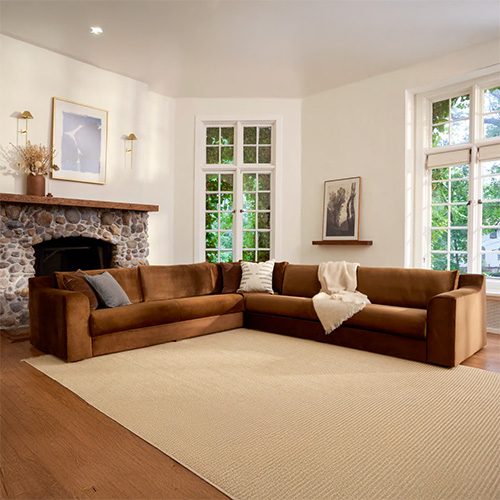
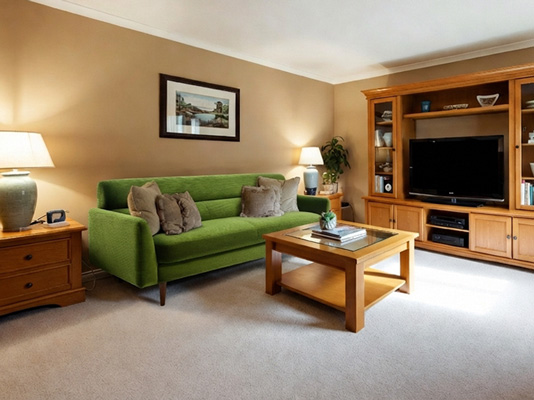
Living room sectional visualizer showing a sectional sofa previewed in a real living room

Use the same living room photo to preview a sectional, compare it against a sofa, or swap the existing seating entirely before ordering.

What is a living room sectional visualizer?

A living room sectional visualizer places a specific sectional product into your actual living room photo. Instead of judging the L-shaped sofa in a showroom setting, you see it with your actual walls, flooring, rug, coffee table, and the furniture that will stay in the room.

DecorViz works from a room photo and a product image. It does not require an AR room scan, a 3D model, or a retailer-specific catalog.

This page focuses on sectional visualization in a living room, covering scale, chaise orientation, open-plan placement, and how to compare a sectional against a standard sofa. For the general sectional guide covering any room type, visit the Complete Sectional Visualizer.
Scale, configuration, and placement: what to judge in a living room sectional preview

A sectional dominates a living room more than any other single piece. The L-shape's visual weight, which way the chaise faces, and how it defines or disrupts the room layout are all decisions that need to be made in the actual room context.

Judge scale relative to the room and rug

A sectional can look balanced in a showroom but overwhelm a specific living room once it sits beside the rug, coffee table, TV area, and the walls that contain it. Preview the exact product in your actual space.

Compare left-facing and right-facing chaise configurations

Which direction the chaise faces affects traffic flow, the relationship with the TV wall, and how the seating area feels from the room's entrance. Preview both options in the same room photo.

See whether the sectional defines an open-plan space

In an open-plan layout, a sectional can create a clear visual boundary for the living zone or leave the space undefined. Preview the product to judge which effect it creates in your specific floor plan.

What are you trying to do?

Living room sectional decisions usually involve replacing a standard sofa, furnishing a large or open-plan space, or confirming that the L-shape is the right choice for the room.

Sofa replacement

Replace a standard sofa with a sectional

Keep the existing sofa visible in the room photo and preview the sectional in its place. Compare both from the same viewpoint before committing to the larger piece.

"I want to upgrade from a three-seat sofa to a sectional and see how the L-shape reads with my rug and coffee table."

Large or open-plan room

Anchor a large or open-plan living room

Use a photo showing the full seating zone and the adjacent areas. Preview the sectional to judge whether it creates the visual boundary and definition the space needs.

"The open-plan living area feels unfinished. I want to see if a sectional creates enough of a defined seating zone."

Product comparison

Compare a sectional against a sofa in the same room

Use the same living room photo with the sectional image and a standard sofa image to judge which one suits the room's size, layout, and style.

"Which looks better in this room: the L-shaped sectional or the large three-seater?"

Who uses a living room sectional visualizer?

A sectional is one of the most expensive and hardest-to-return furniture purchases. Anyone choosing between a sectional and a sofa, or confirming that a specific sectional works in their room, uses a visualizer before ordering.

Homeowners and renters

Replacing or furnishing their own living room

You have a specific room size, a rug, a coffee table, and furniture that is staying. The sectional needs to work within the actual room constraints, not the open showroom floor.

  • Compare the sectional against the current sofa in the same room
  • Judge left-facing vs right-facing chaise in the actual layout
  • Decide between products from different stores
Interior designers

Presenting sectional options for client approval

You are specifying a sectional for a client's living room and need to show how the actual piece relates to the room's proportions and existing furniture before placing an order.

  • Preview the exact sectional in the client's real living room photo
  • Compare upholstery and configuration options from the same viewpoint
  • Show placement and orientation decisions visually before finalizing
Home stagers

Selecting a sectional that photographs well

A sectional defines the living room in listing photography. Confirm the scale, color, and configuration work at the listing camera angle before sourcing or renting the piece.

  • Preview the sectional at the camera angle used in the listing photo
  • Confirm the upholstery color reads correctly against the walls and flooring
  • Compare the sectional against a sofa to judge which photographs better

What to check when comparing sectionals: scale, orientation, and seating balance

Use the generated view as a visual decision aid, then confirm the retailer's dimensions and product details before ordering.

Visual scale relative to the room

Check whether the sectional appears proportional to the living room or dominates the space, particularly relative to the rug, coffee table, and surrounding walls.

Chaise orientation and traffic flow

Preview left-facing and right-facing configurations to judge which one creates a more natural path through the room and a better relationship with the TV wall and entry.

Color and upholstery in the room context

See how the sectional's fabric tone and texture interact with your walls, flooring, rug, curtains, and the other furniture that will remain in the seating area.

Sectional vs sofa: which defines the space better

Compare the sectional against a standard sofa in the same room photo to judge which one creates a more balanced and intentional seating arrangement.

How to compare a sectional: visualizer vs AR vs showroom

Each approach answers a different question. Use the one that matches what you actually need to decide.

Approach Shows sectional with your rug, coffee table, and seating area Works with any sectional retailer Requires room scan or 3D model Free to use
DecorViz (AI preview) Yes, uses your actual room photo Yes, any product image from any store No, photo upload only Free to start
AR apps (e.g. IKEA Place) Yes, through phone camera No, limited to the retailer's catalog Usually uses camera tracking, a compatible device, and retailer-provided 3D product assets Varies by app
Showroom visit No, staged room not your room Limited to that showroom's stock No scan needed No, travel and time cost
Product photo only No, isolated background Yes, any product page No Yes

A showroom visit helps you assess comfort, cushion density, and fabric quality. DecorViz helps you assess whether the sectional's scale and style work in your actual living room. Use both when the purchase is significant.

Living room sectional mistakes to catch before delivery

Product photos isolate the sectional in a staged room. These living room problems only become clear when the piece is seen in the context of your actual space.

The sectional overwhelms the room

A sectional that looks proportional in a large showroom can dominate a smaller or standard living room once it sits beside the rug, coffee table, windows, and TV wall.

The chaise faces the wrong direction

A left-facing chaise in a room that needs a right-facing one blocks a doorway, crowds a window, or creates an awkward traffic path that makes the room feel smaller.

The upholstery fights the room's existing palette

A sectional's warm or cool undertones become much more visible beside your actual walls, flooring, rug, and curtains than they appear in a product photo.

The sectional blocks natural light or access

An L-shaped sofa placed without seeing the full room context can block a window, a doorway, or a circulation path that was not obvious from the product page.

The sectional looks attractive alone but disrupts the seating balance

A well-designed sectional can clash with the coffee table, accent chairs, or rug once they are all in the room together, creating visual imbalance that no product photo anticipates.

What the preview shows and what it does not replace

Use DecorViz to make a better visual comparison, then verify the physical and product details before ordering.

What it shows well

How the sectional's scale and visual weight relate to the room's proportions, rug, coffee table, and surrounding furniture
Whether the sectional appears dominant, understated, or balanced in the seating area
How different sectional products or configurations compare from one consistent viewpoint
Whether replacing the current sofa with a sectional improves or disrupts the room
How the upholstery color and texture relate to the room's existing palette and lighting

What it does not replace

Exact physical measurements or guaranteed fit within the room
Seat comfort, cushion depth, fabric softness, or build quality
Delivery access through doorways, stairwells, or narrow corridors
A substitute for checking retailer dimensions, configuration details, and return terms

Use the preview to narrow the visual decision. Use measurements and product details to confirm the purchase.

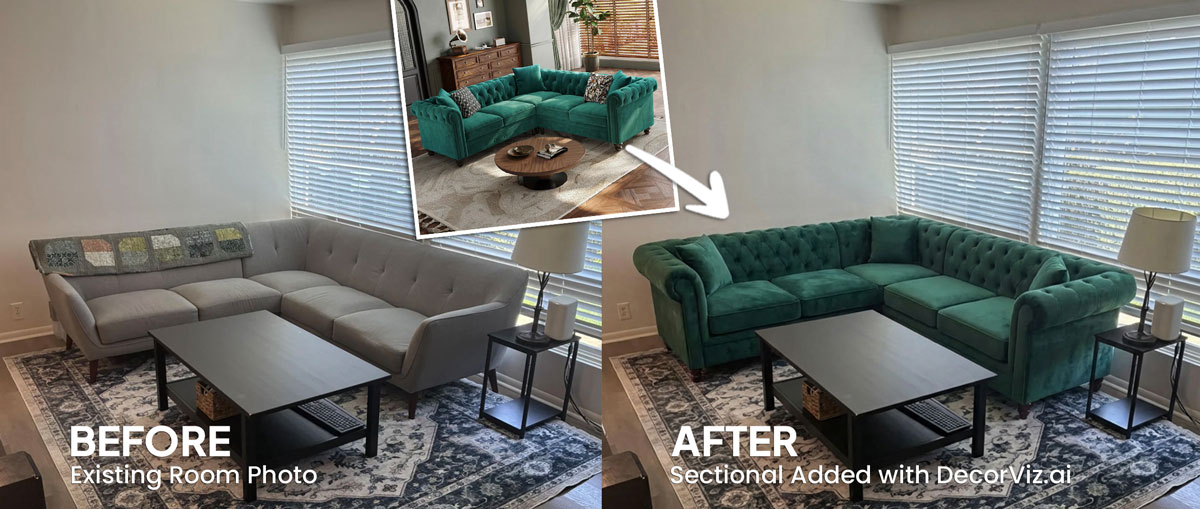
From product photo to living room decision

The same room photo becomes a consistent place to compare different sectional choices.

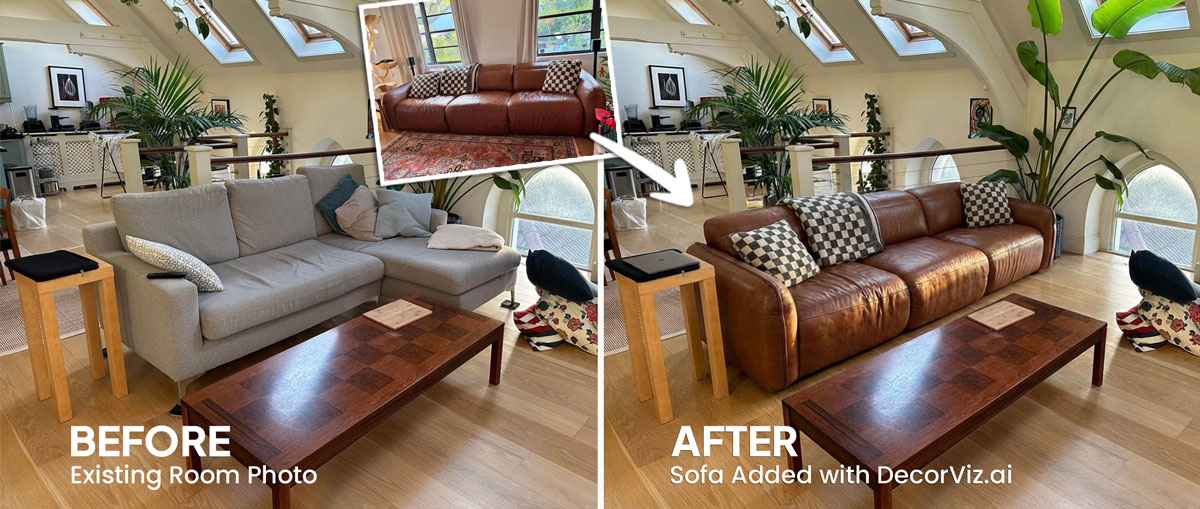
Sectional sofa shown in an online product image

Product photography helps you inspect the sectional, but it cannot show how the L-shape and scale relate to your living room.

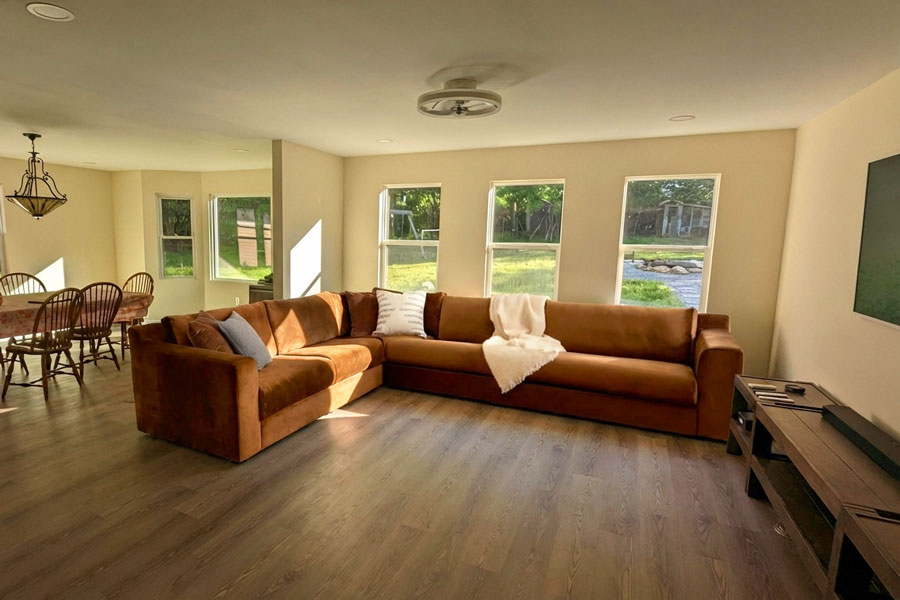
Sectional sofa visualized in a real living room photo

Use the real room photo to compare the sectional with the colors, lighting, rug, and furniture already in the space.

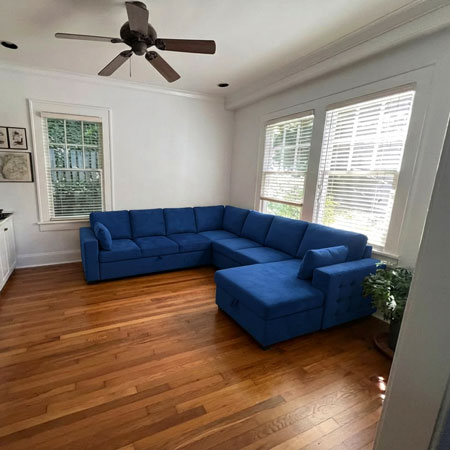
Alternative sectional preview generated in a living room

Keep the room consistent while testing different sectional products, colors, or configurations.

How to visualize a sectional in your living room

Use DecorViz in a browser or the Android app. No AR room scan or 3D product model is required.

Step 1
Step 1: Upload your room photo

Upload the living room photo

Use a photo showing the full seating area, including the rug, coffee table, and as much of the surrounding room as possible, with any current sofa visible if you are replacing it.

Step 2
Step 2: Upload the product image

Add the sectional product image

Upload a clear product image of the sectional you are considering from any retailer.

Step 3
Step 3: View the result in your room

Review it in context

See the sectional in the seating area. Compare it against a standard sofa or a different configuration using the same room photo.

Complete the living room comparison

A sectional decision often depends on the products around it. Preview the connected parts of the room separately when needed.

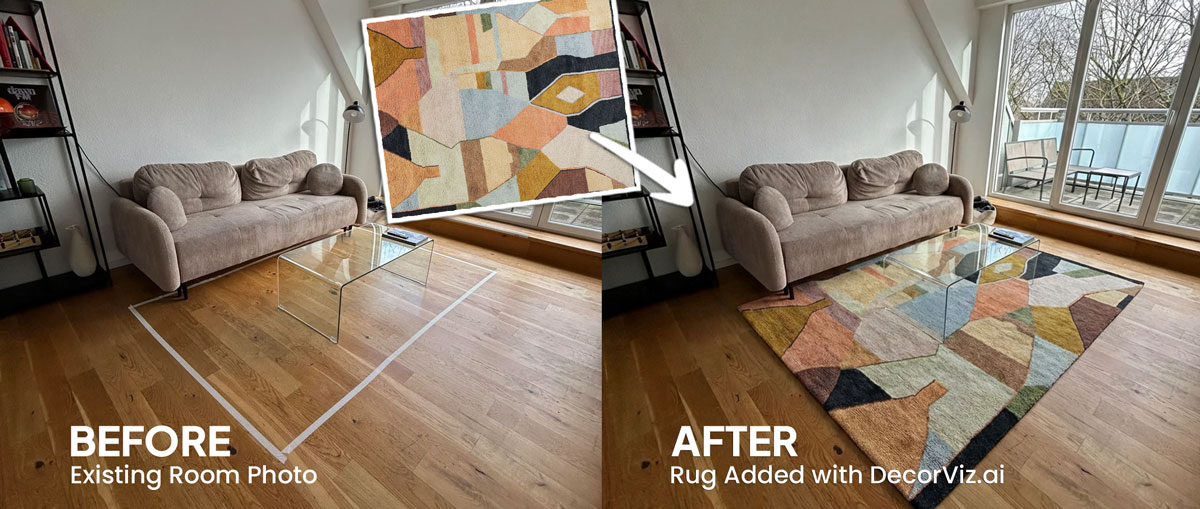
Living room furniture visualized together in a real living room

Living Room Hub

Preview any living room furniture piece from the same room photo.

What users are saying about DecorViz

★★★★★
4.9 out of 5
Based on 12 verified reviews
★★★★★

"I was torn between two furniture options. Seeing them in my room with DecorViz made the decision obvious."

Lena R.
★★★★★

"The preview helped me check color and style with my floors and walls before ordering."

Marcus T.
★★★★★

"I could show my partner a side-by-side view and we agreed in minutes."

Priya K.

See a sectional in your living room before it arrives

Upload your living room photo. Add the sectional product image. Compare the result before ordering.

Try DecorViz - it is free to start

Works with sectional images from almost any furniture store.

Living Room Sectional Visualizer FAQ

Can I compare a sectional and a standard sofa in the same living room photo?

Yes. Reuse the same living room photo with the sectional image and the sofa image. Comparing both from the same viewpoint helps you judge visual balance and placement. Confirm traffic clearances and physical fit with measurements.

Will a sectional overwhelm my living room?

Upload your living room photo and preview the specific sectional you are considering. The result can reveal whether the piece looks visually dominant beside your rug and surrounding furniture, but it does not prove physical fit. Compare alternatives in the same photo and verify every dimension before ordering.

Can I preview a left-facing and right-facing sectional in the same room?

Yes. Reuse the same living room photo with each configuration image to compare the visual relationship with the TV wall, entry, and surrounding furniture. Confirm walkway widths and door clearances with measurements.

Can I see how a sectional defines the seating area in an open-plan living room?

Yes. Use a photo that captures the full open-plan space, including the adjacent dining or kitchen area. This lets you judge whether the sectional creates a clear visual boundary for the living zone or blends into the open space without defining it.

Can I preview a sectional from any retailer?

Yes. DecorViz works with any product image from any store. Upload a clear product image of the sectional alongside your living room photo.

Can I preview a sectional with my existing rug and coffee table?

Yes. Use a living room photo that shows the rug, coffee table, and the full seating area. The preview places the sectional in that context so you can judge how the scale and style relate to the furniture that will remain in the room.

How is the living room sectional visualizer different from the sofa visualizer?

This page focuses specifically on sectional sofas in a living room, covering the L-shape's visual scale, chaise orientation, how it defines open-plan spaces, and how to compare it against a standard sofa. The sofa visualizer covers any sofa type more broadly.