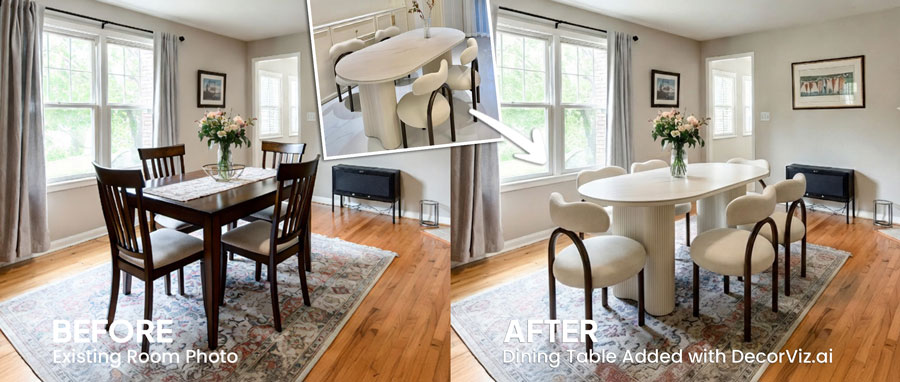
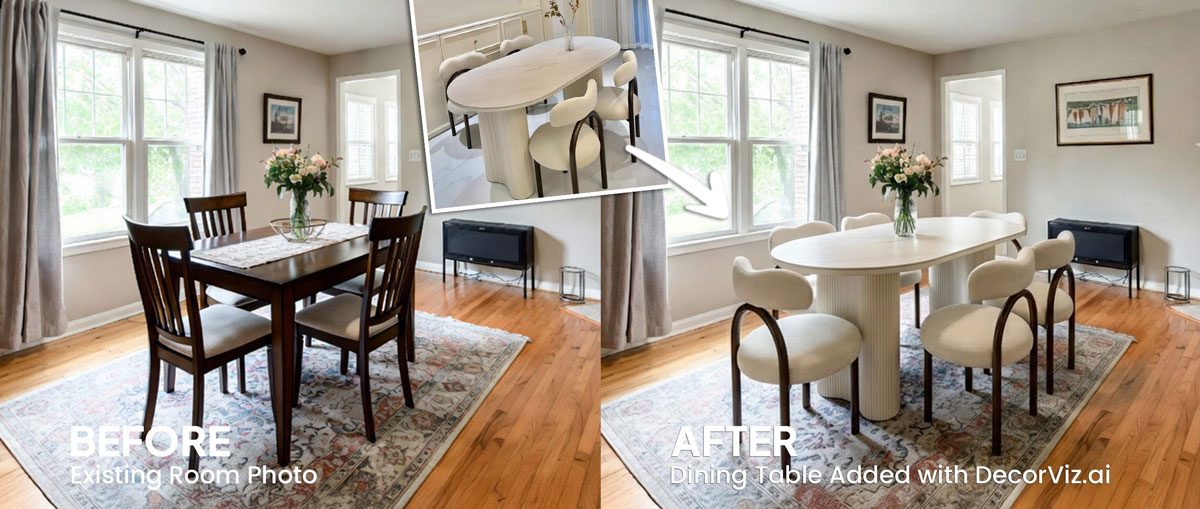
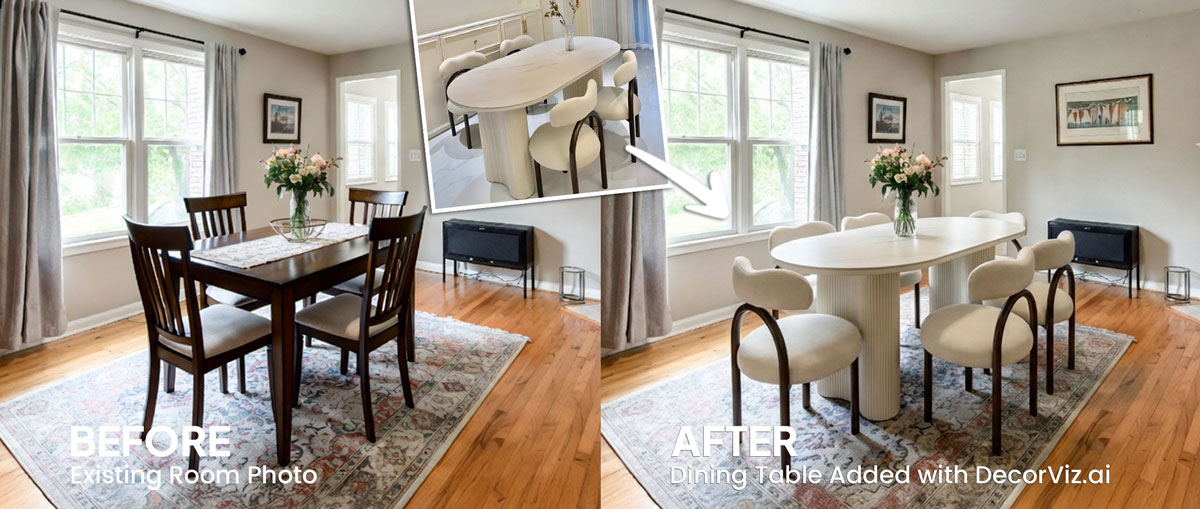
See the curtain against your table and chair finishes
A curtain that reads as warm ivory in a product photo can appear yellowed or flat beside a dark wood table or upholstered dining chairs. Preview the actual product in your actual dining room.
Upload a photo of your dining room and any curtain product image. Preview the curtains against your windows, dining table, chairs, and walls before ordering.
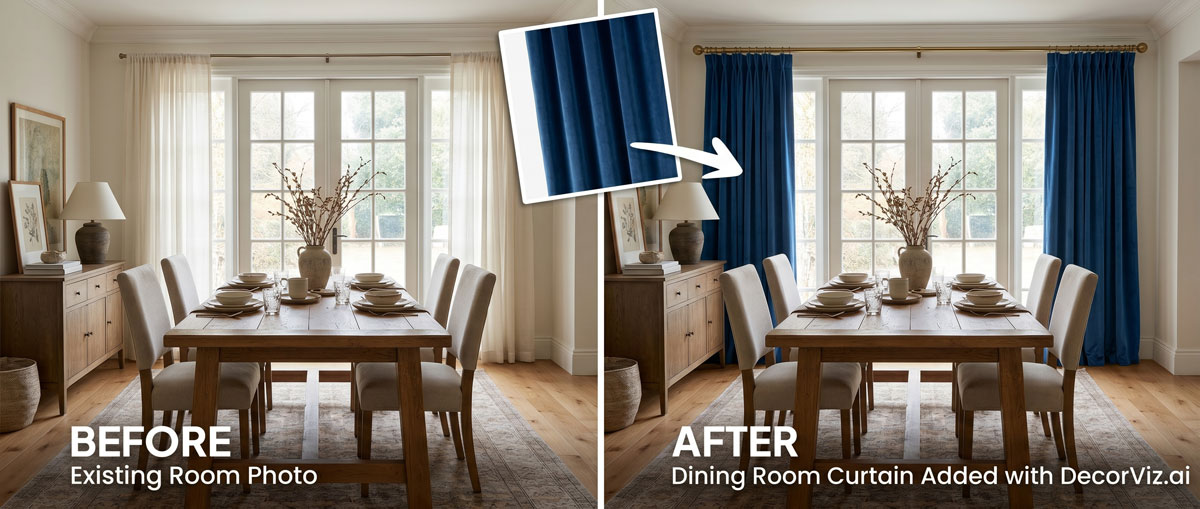
Use the same dining room photo to compare curtain colors, fabrics, and lengths with your actual table, chairs, and walls.
A dining room curtain visualizer places a specific curtain product into your actual dining room photo. Instead of guessing how the color and length will look beside your dining table and chairs, you see the curtains in context with your actual walls, flooring, and furniture.
DecorViz works from a room photo and a product image. It does not require an AR room scan, a 3D model, or a retailer-specific catalog.
This page focuses on curtain visualization in a dining room, covering how curtains interact with the dining table, chair upholstery, and overall palette. For the general curtain guide covering any room type, visit the Complete Curtain Visualizer.
Curtains affect the formality and visual scale of a dining room. How the color relates to the table finish and chair upholstery, and how the length reads against the ceiling, depend entirely on the actual room.
A curtain that reads as warm ivory in a product photo can appear yellowed or flat beside a dark wood table or upholstered dining chairs. Preview the actual product in your actual dining room.
Floor-to-ceiling curtains add visual height and formality. Shorter panels suit open-plan or casual dining spaces. Preview the length in your specific room before committing.
A patterned curtain can complement or compete with a patterned rug or upholstered chairs. Use the same dining room photo to judge each option from a consistent viewpoint.
Dining room curtain decisions usually involve updating existing window treatments, adding curtains to a bare window, or choosing between options that need to work with the dining furniture already in place.
Keep the current curtains visible in the photo and preview the replacement panels in the same window to judge the change before committing.
"My dining room curtains look dated beside the new table. I want to see how a different option reads."
Start with a photo showing the bare window and the dining furniture. Preview how adding curtains changes the formality and visual completeness of the space.
"The dining room window is still uncovered. I want to see how curtains change the whole feel."
Use the same dining room photo with each curtain product so every option is judged from the same viewpoint, against the same table, chairs, and walls.
"Do the linen panels or the velvet ones work better with the dark wood table?"
Dining room curtains affect the room's formality, light quality, and how the dining furniture reads as a whole. Anyone selecting panels that need to work with an existing table and chair arrangement uses a visualizer before ordering.
You have a specific table, chairs, and wall color in place. The curtains need to complement the dining furniture you already own, not a staged showroom setup.
You are specifying window treatments for a client's dining room and need to show how the actual fabric, color, and length read in the space before placing an order.
Dining room curtains set the room's tone in listing photography. Confirm the color and fabric read correctly at the listing camera angle before sourcing the panels.
Use the generated view as a visual decision aid, then confirm the retailer's dimensions and product details before ordering.
Check whether the curtain tone complements or fights the wood finish, chair upholstery, and wall color visible in the photo.
See whether floor-length panels add the formality and visual height you are after, or whether a shorter treatment suits the dining space and window size better.
A large-scale pattern can feel dramatic and intentional or visually busy depending on the size of the dining room and the existing furniture. Preview the actual product to judge the balance.
Compare a lightweight linen panel against a heavier cotton or velvet to judge how each one changes the formality and visual warmth of the dining room.
Each approach answers a different question. Use the one that matches what you actually need to decide.
| Approach | Shows curtains with your dining table, chairs, and walls | Works with any curtain retailer | Requires room scan or 3D model | Free to use |
|---|---|---|---|---|
| DecorViz (AI preview) | Yes, uses your actual dining room photo | Yes, any product image from any store | No, photo upload only | Free to start |
| Fabric swatches | Partial, small sample held up in the room | Varies, some retailers offer swatches | No scan needed | Varies, often free or low cost |
| AR apps | Yes, through phone camera | No, limited to the retailer's catalog | Usually uses camera tracking and retailer-provided 3D assets | Varies by app |
| Product photo only | No, isolated background | Yes, any product page | No | Yes |
A fabric swatch shows you drape and true color under your specific dining room light. DecorViz shows you the curtain in the full room context. Use both when the purchase is significant.
Product photos isolate the curtain panel. These dining room problems only become clear when the curtain is considered alongside the table and chair arrangement.
A curtain that reads as warm taupe in isolation can look muddy or mismatched beside a cool grey dining table or linen-upholstered chairs.
Curtains that stop at the sill or apron can look casual or unfinished in a dining room that otherwise calls for a more polished treatment.
A bold curtain pattern placed beside patterned chair fabric or a patterned rug creates visual conflict that neither product photo shows in isolation.
A heavy velvet curtain can make a casual open-plan dining area feel stiff and enclosed, while a lightweight sheer can read too informal in a traditionally decorated dining room.
A statement curtain can look beautiful in a product photo while visually overpowering the dining table, pendant light, and surrounding furniture when seen together.
Use DecorViz to make a better visual comparison, then verify the physical and product details before ordering.
Use the preview to narrow the visual decision. Use measurements and product details to confirm the purchase.
The same room photo becomes a consistent place to compare different curtain choices.
Product photography shows you the curtain fabric and color, but it cannot show how the panels will look beside your specific dining table, chairs, and wall color.
Use the real dining room photo to judge the curtains with your actual table, chairs, and walls already in the frame.
Keep the room consistent while testing different curtain colors, fabrics, or lengths.
Use DecorViz in a browser or the Android app. No AR room scan or 3D product model is required.

Use a photo showing the window, the wall around it, the dining table, and as much of the room as possible.
Upload a clear product image of the curtains you are considering from any retailer.

See the curtains in your dining room. Swap between colors, patterns, or lengths using the same room photo.
Curtains work as part of the whole dining room arrangement. Preview the connected pieces separately when planning multiple changes.
Preview any dining room furniture or textile from the same room photo.
Preview the table that will sit beneath your curtained window.
Test the chairs whose upholstery needs to work with the curtain color.
"I was torn between two furniture options. Seeing them in my room with DecorViz made the decision obvious."
"The preview helped me check color and style with my floors and walls before ordering."
"I could show my partner a side-by-side view and we agreed in minutes."
Upload your dining room photo. Add the curtain product image. Compare before ordering.
Try DecorViz - it is free to startWorks with curtain images from any store. No AR scan required.
Yes. Use a dining room photo that shows the window wall and as much of the table, chairs, and surrounding space as possible. DecorViz places the curtain product into that context so you can judge how the color and style relate to the furniture already in the room.
Floor-length curtains tend to add formality and visual height to a dining room. Shorter panels can work in casual or open-plan dining spaces. Upload your dining room photo and preview both lengths to judge which proportion works best with your specific window, ceiling, and table arrangement.
Yes. Reuse the same dining room photo with each curtain product image. Comparing both from the same viewpoint shows how the pattern or solid color reads against your table finish, chair upholstery, and wall color.
Yes. Use a dining room photo that clearly shows the chairs. The preview shows how the curtain color and fabric relate to the chair upholstery, table finish, and walls visible in the photo.
Yes. DecorViz works with any product image from any retailer. Save or screenshot the curtain product image and upload it alongside your dining room photo.
Use a photo that captures the full bay window and the dining table in the same frame. This viewpoint shows how the curtain treatment relates to the dining area and helps you judge scale and proportion in the actual space.