TV Stand Visualizer: See TV Stands in Your Room
Find the right TV stand for your wall and space. Preview before you buy, not after.
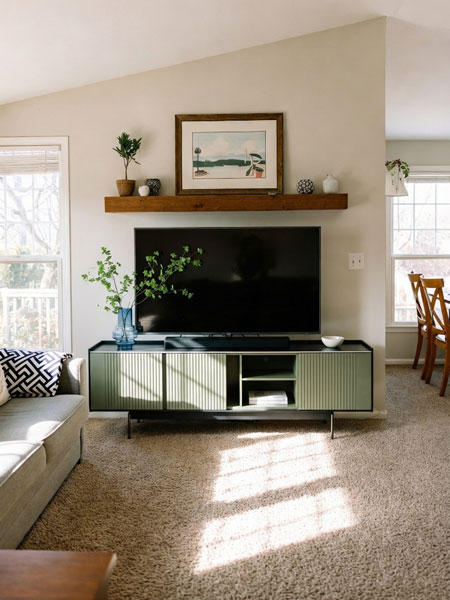
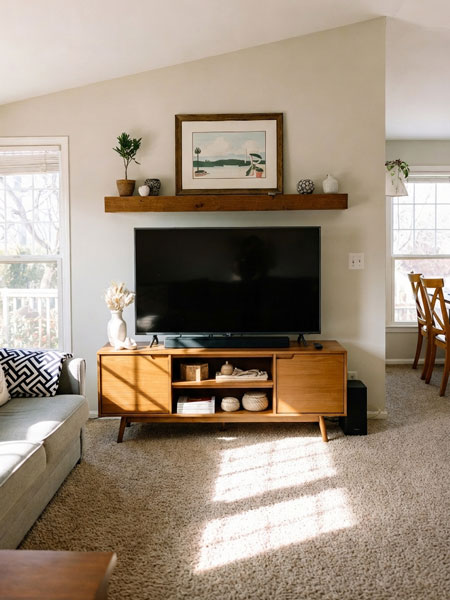
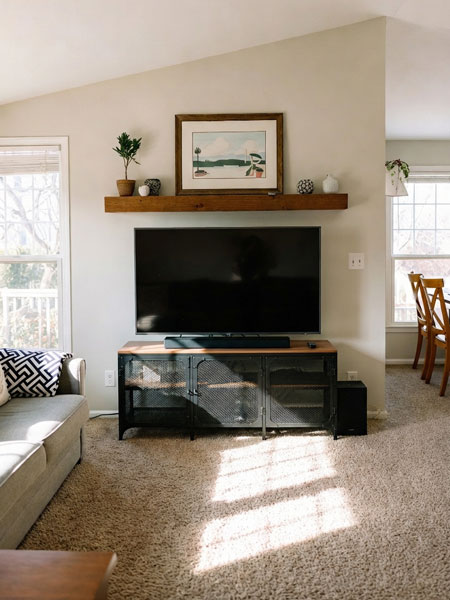
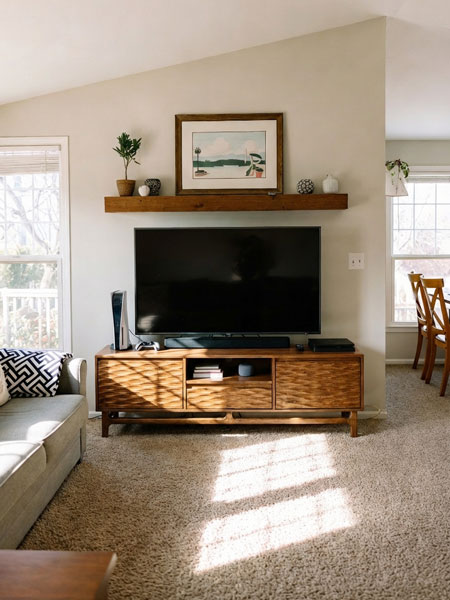
What is a TV Stand Visualizer?
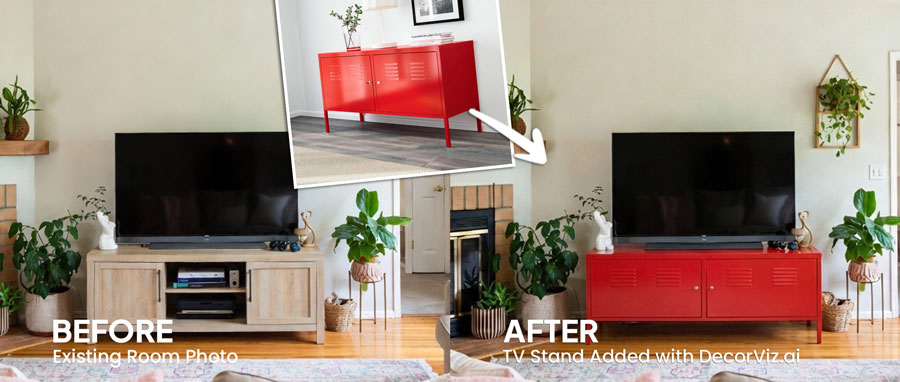
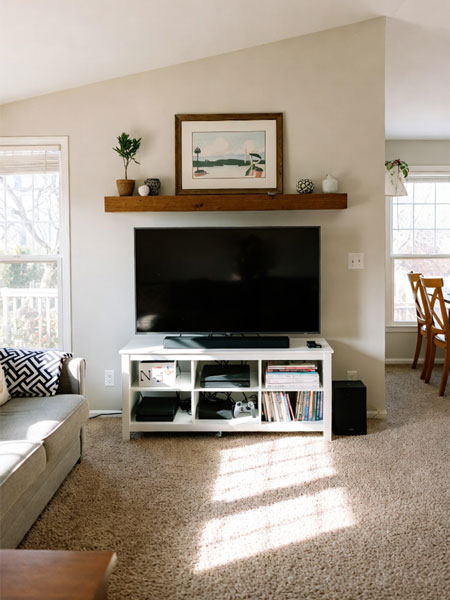
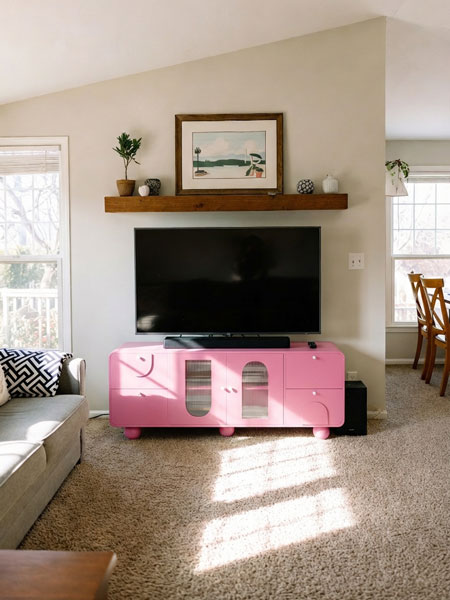
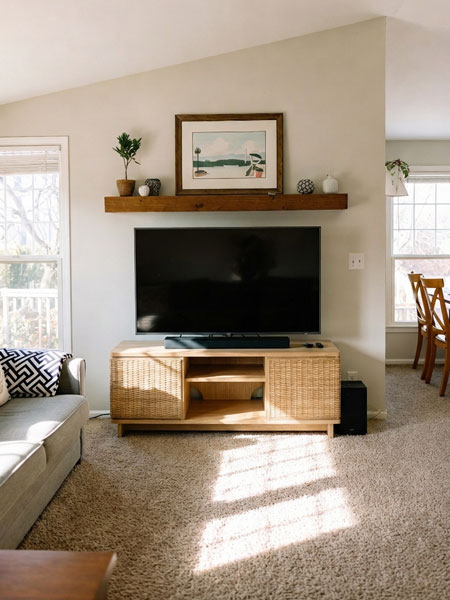
DecorViz TV Stand Visualizer is an AI-powered tool that shows you how any TV stand, TV console, or entertainment center will look in your actual room before you buy it. Upload a photo of your space, add the TV stand you're considering, and get a photorealistic preview showing style and scale against your wall and TV setup.
This is not an AR app, not a 3D scanner, and not limited to a single brand. DecorViz works from a simple photo and supports TV stands from any retailer.
That TV stand looks great online. But will it work in your living room?
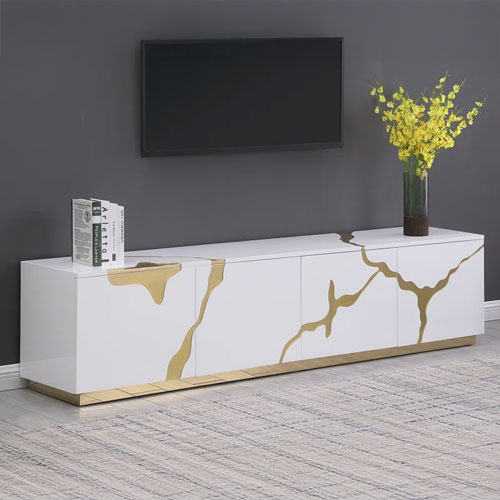
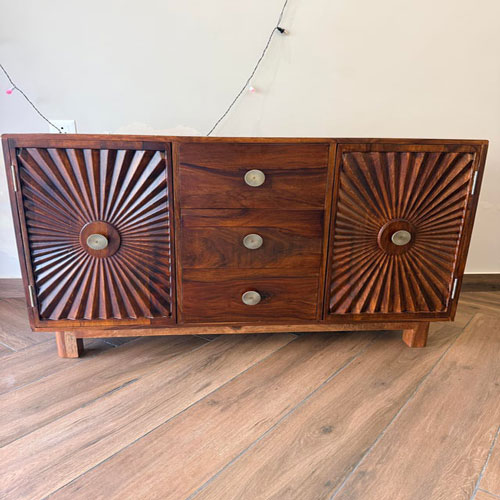
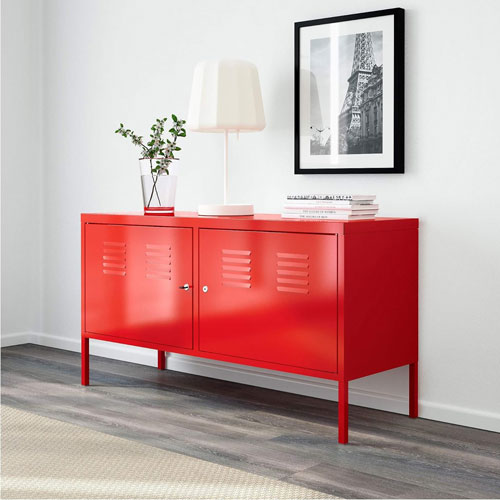
See the difference in a real room
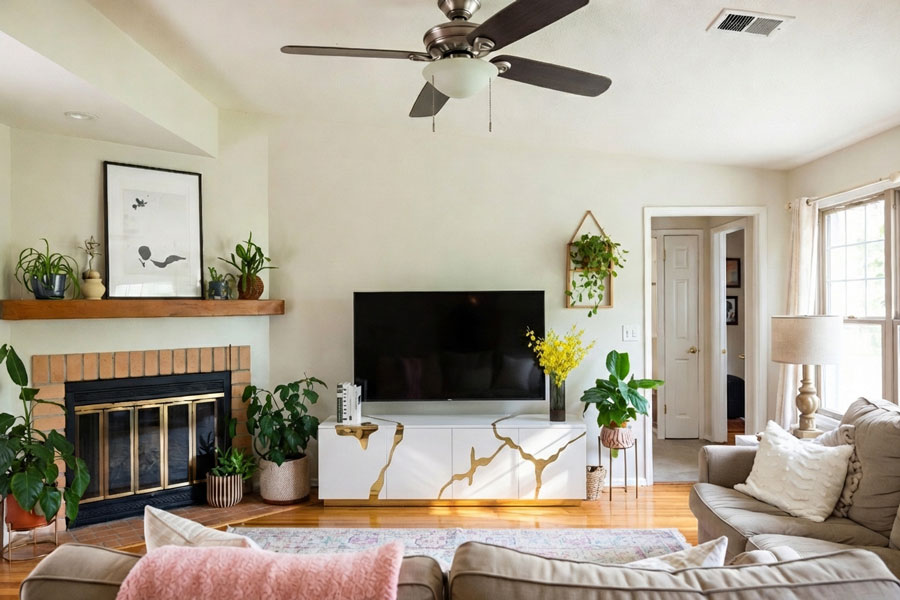
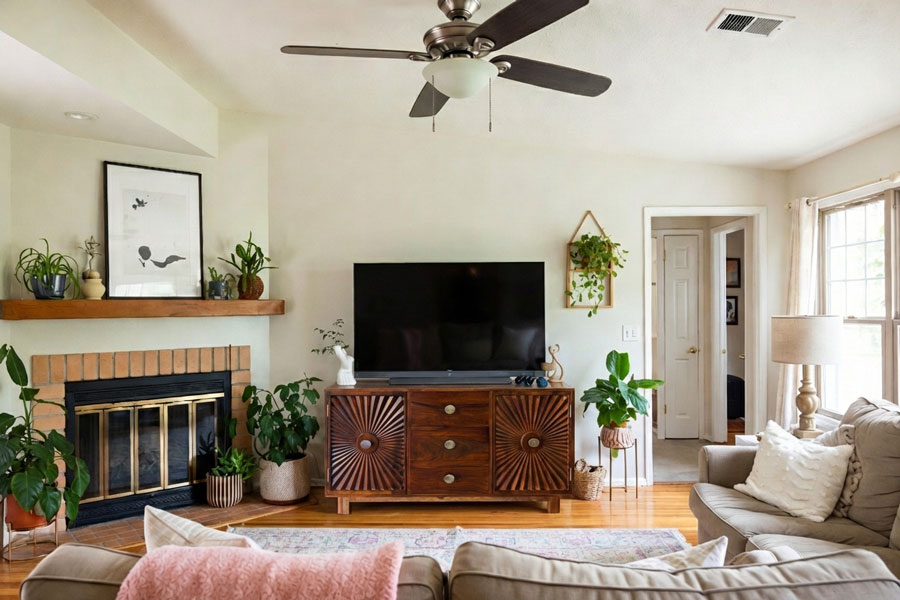
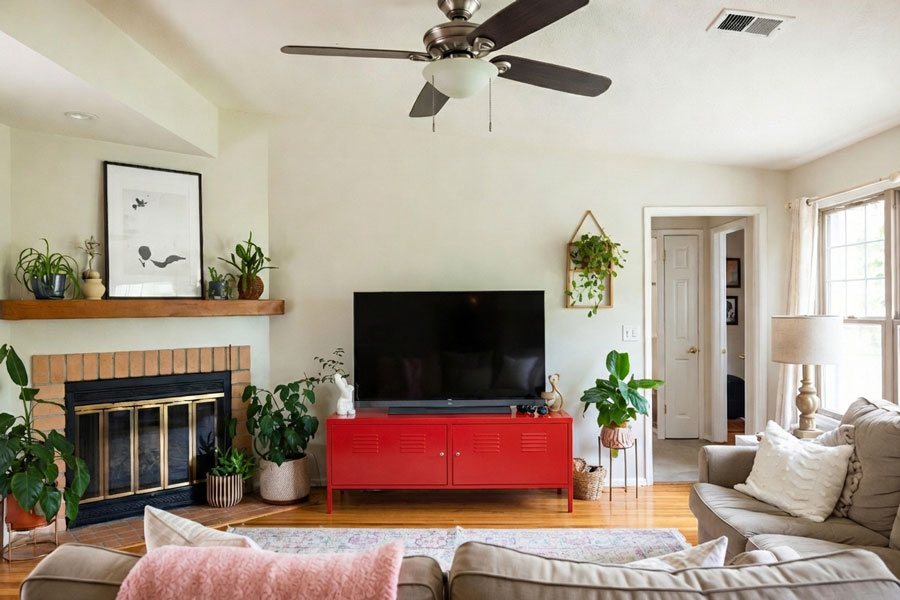
✓ Swipe or use arrows to compare options
Works with TV stands from
See Any TV Stand in Your Room in 3 Simple Steps
No AR. No measurements. Just realistic results.

Upload Your Room Photo
Take a quick photo of your living room. Any angle works. No special lighting or setup.
Add the TV Stand
Upload a product image from IKEA, Wayfair, Amazon, or any furniture store. TV consoles, entertainment centers, and floating units all work.

See the Result in Seconds
Get a realistic preview with natural lighting, correct shadows, and proper perspective.
DecorViz vs. other methods
| Method | Time required | Shows actual TV stand | Works for any retailer |
|---|---|---|---|
| DecorViz | 30 seconds | Yes | Yes |
| AR apps | 5-10 minutes | Generic samples only | No |
| Measuring tape method | 15-20 minutes | No | Yes |
| Buy and return | Days or weeks | Yes | Yes (return fees $50-150) |
See your TV stand in your actual room. No apps to download, no measurements needed.
Common TV stand buying mistakes DecorViz helps you avoid
Buying a TV stand that is too wide or too narrow
A TV stand should be at least as wide as your TV. Too narrow and it looks unbalanced. Too wide and it dominates the wall. DecorViz shows you the actual proportions before you buy.
Wrong height for comfortable viewing
If the TV stand is too low or too high, your viewing angle suffers. See how the stand positions your TV relative to your sofa seating height.
Style clashes with existing furniture
A modern floating TV console might not work in a traditional room. Visualize before committing to see if the style works with your sofa, rug, and decor.
Finish looks different than expected
Wood tones and colors appear different depending on your room lighting and wall colors. See how the TV stand finish actually looks in your specific space.
Who Uses DecorViz for TV Stands?
Online Shoppers
See if a TV stand works in your space before ordering from any retailer.
Living Room Upgrades
Preview how a new TV console changes the entire feel of your entertainment area.
Interior Designers
Show clients options in their actual rooms instantly.
Apartment Movers
Check if your current TV stand fits the new space or if you need a different size.
What users are saying
"I was comparing a floating TV console with a traditional TV stand. DecorViz showed me both in my living room and the floating option looked way better with my setup."
"The preview helped me see that the wide entertainment center I wanted was too large for my wall. Went with a sleeker TV stand and it fits perfectly."
"Helped me compare a walnut TV console against a white one. The walnut matched my floors much better. Would not have known without seeing it in my actual room first."
Also visualize with DecorViz
Stop Guessing. Start Seeing.
Upload your room. Add the TV stand. Know if it works.
Try DecorViz - it is free to startNo commitment. No credit card. Just clarity.
Frequently Asked Questions
Need help? Check our photo upload guide for best results.
A TV stand visualizer is a tool that lets you see how a TV stand, TV console, or entertainment center will look in your actual room before you buy it. DecorViz uses AI to place any TV stand into your room photo, showing realistic style and scale so you can make confident decisions without guessing.
Upload a photo of your living room to DecorViz and visualize the TV stand you are considering. You will see immediately if the stand looks too wide, too narrow, or just right for your wall space. Compare different sizes side by side to find the right fit.
Yes. Upload your room once, then add as many different TV stands as you want. Compare them side by side in the same room to see which one works best with your decor, lighting, and layout.
No. A regular phone photo of your room is enough. Just make sure the photo is clear, well-lit, and shows the wall area where the TV stand will go.
Yes. DecorViz works with all TV stand types including floating TV consoles, traditional TV stands, entertainment centers, media consoles, and TV units. See any style in your room before buying.
Yes. Copy the product link from any online retailer or upload a photo of the TV stand. DecorViz works with TV stands from any source - furniture stores, online retailers, or even custom pieces.
AR apps only work with their own limited catalog and require you to point your phone around the room in real-time. DecorViz works with any TV stand from any retailer, uses a simple photo upload, and creates a realistic preview in seconds - no scanning or calibration needed.
Yes. If a TV stand comes in multiple finishes like walnut, white, black, or oak, visualize each option in your room to see which finish works best with your walls, flooring, and existing furniture. The preview shows how the wood tone looks in your specific lighting.
DecorViz places the actual TV stand into your real room photo, maintaining accurate proportions and perspective. The preview shows realistic sizing so you can judge how the TV stand will look against your wall and with your TV when it arrives.
A TV stand and a TV console are essentially the same thing - a piece of furniture designed to hold your TV. "TV console" tends to describe longer, lower designs while "TV stand" is the broader category. DecorViz works with both, as well as entertainment centers and media cabinets.