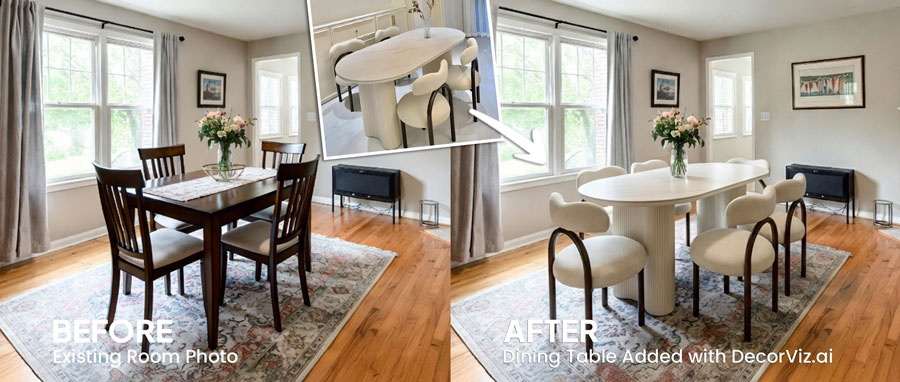
Table Visualizer: See Any Table in Your Room
Tables anchor a room. Get the shape, finish, and placement right before you order.
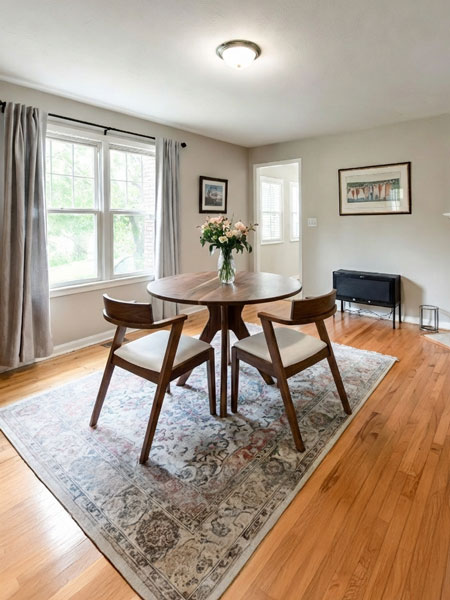
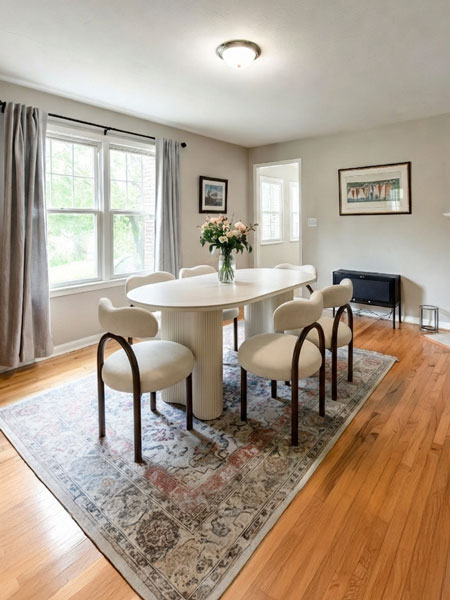
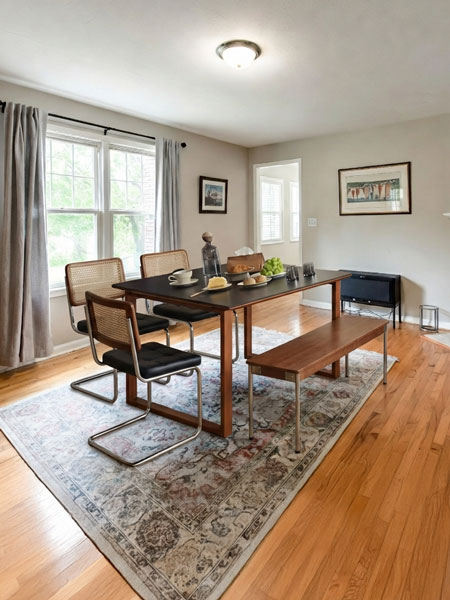
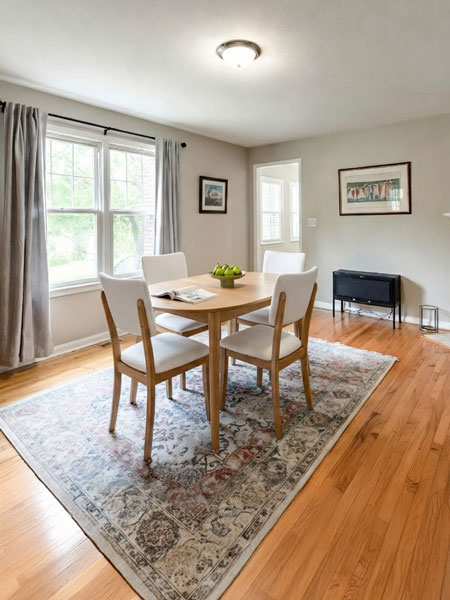
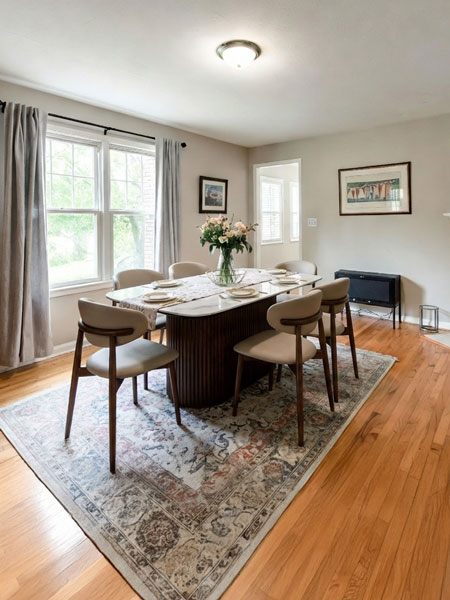
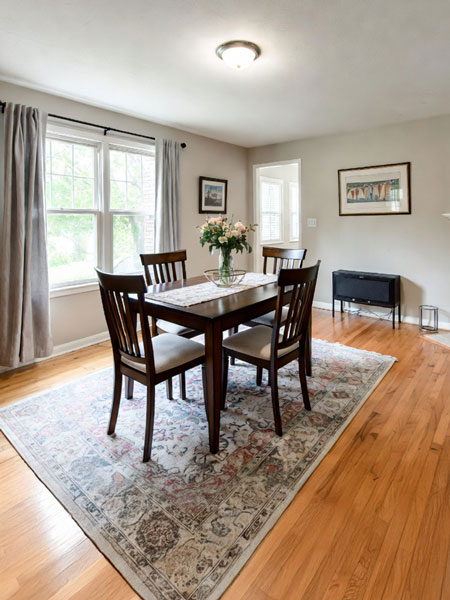
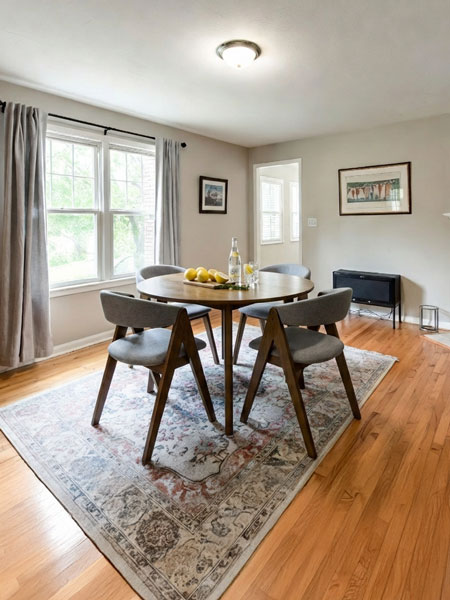
What is a Table Visualizer?
DecorViz Table Visualizer is an AI-powered tool that shows you how any table will look in your actual room before you buy it. Upload a photo of your space, add the table product image from any retailer, and get a realistic preview showing the shape, proportion, and finish in your specific room.
Works with dining tables, coffee tables, side tables, console tables, and end tables from any retailer. No AR, no app download, no measuring tape required.
That table looks great online. But will it work in your room?
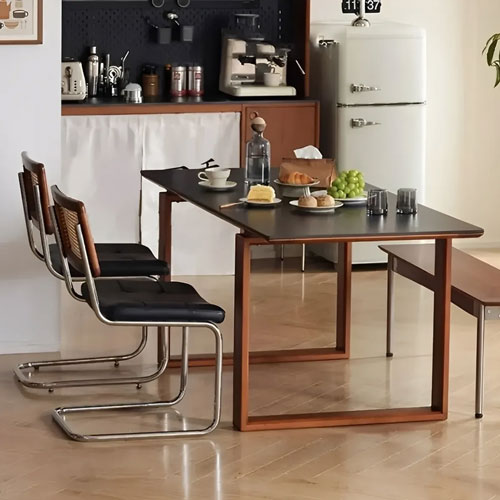
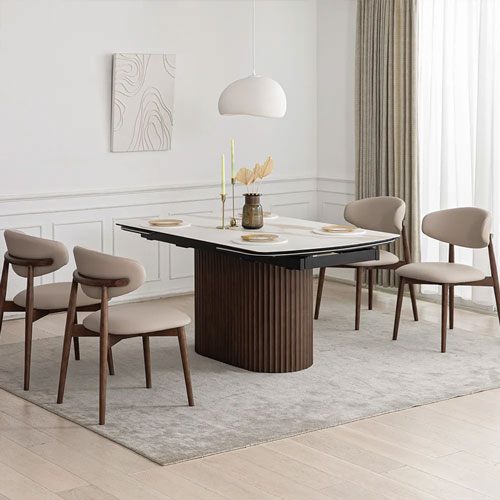
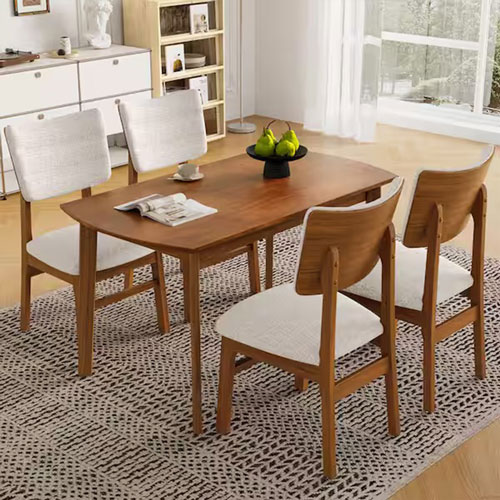
See the difference in your actual room
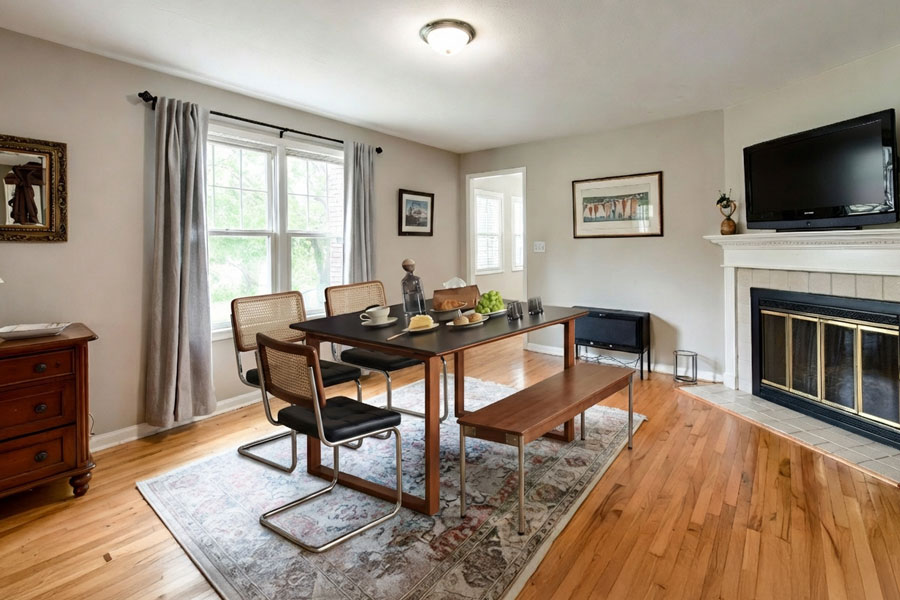
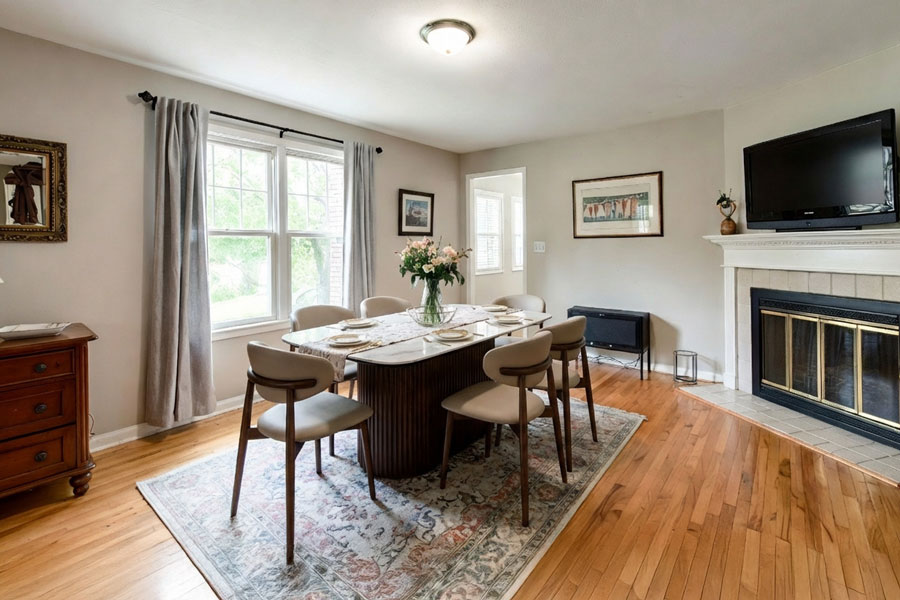
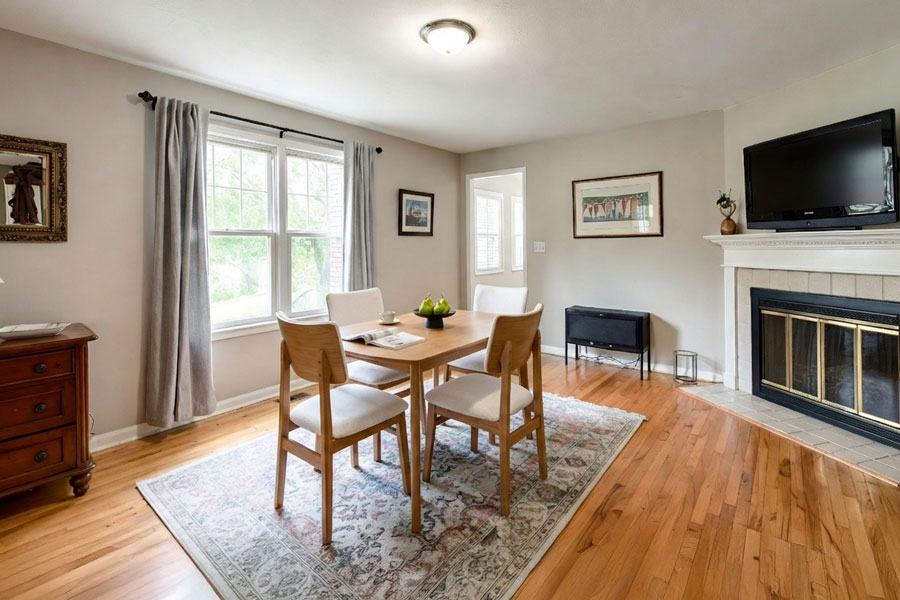
✓ Swipe or use arrows to compare options
See Any Table in Your Room in 3 Simple Steps
No AR. No measuring tape. No guesswork on proportion or finish.

Upload Your Room Photo
Take a clear photo of the room or area where the table will go. Include surrounding furniture for the best sense of scale.
Add the Table
Upload the product image from Wayfair, IKEA, West Elm, or any retailer. Dining tables, coffee tables, side tables, and console tables all work.

See It in Your Room
Get a realistic preview showing the table in your actual space. Compare different shapes, proportions, and finishes to make a confident decision.
Works with tables from
Choose your table type
Each table type has its own challenges. Pick the visualizer for the table you are shopping for.
Dining Table Visualizer
See round vs rectangular, check if 6 seats fit, and preview the wood finish in your actual dining room before ordering.
See dining tables in your room → Living roomCoffee Table Visualizer
See if a coffee table fits the scale of your sofa, check the finish against your floors, and preview placement before buying.
See coffee tables in your room → Coming soonSide Table Visualizer
See how a bedside or accent side table looks next to your sofa or bed. Check height and finish before ordering.
Coming soon Coming soonConsole Table Visualizer
Preview a console or entryway table against your hallway or living room wall before committing.
Coming soonDecorViz vs. other methods for choosing a table
| Method | Time required | Shows actual table | Works for any retailer |
|---|---|---|---|
| DecorViz | 30 seconds | Yes | Yes |
| AR apps | 5-10 minutes | Generic samples only | No (limited catalog) |
| Measuring tape only | 15-20 minutes | No (outline only) | Yes |
| Buy and return | Days or weeks | Yes | Yes (return fees may apply) |
See the actual table in your actual room. No apps to download, no measuring needed.
Common table buying mistakes DecorViz helps you avoid
Table too large for the space
A table that fills a product photo can overwhelm a smaller room. See the actual scale in your space before ordering so you know it fits the room and leaves room to move.
Wrong shape for the room
Round, oval, rectangular, or square: each shape reads very differently in a real room. Visualize the actual shape in your dining room or living room before deciding.
Finish clashes with floors or walls
A warm oak finish can look very different next to your flooring than it does in a product photo. Preview the actual finish under your specific room lighting before committing.
Scale mismatch with other furniture
A coffee table that is too short for your sofa, or a dining table that dwarfs your chairs, looks wrong immediately. See all the furniture together in the same room preview.
What users are saying
"I had no idea if a round dining table would work in my open plan space. Seeing it in my actual room made the decision easy. Ordered the round one and it looks perfect."
"I visualized three different coffee tables in my living room before ordering. The one I thought would look best ended up looking wrong. The preview saved me from a bad purchase."
"The dining table I almost ordered was too large. DecorViz showed me right away it would crowd the room. I went with a smaller one and it is exactly the right fit."
Also visualize with DecorViz
See the Table Before You Buy It.
Upload your room. Add any table. Get a realistic preview in 30 seconds.
Try DecorViz - it is free to startNo commitment. No credit card. Works with any table from any retailer.
Frequently Asked Questions
Need help? Check our photo upload guide for best results.
A table visualizer is a tool that shows you how a table will look in your actual room before you buy it. DecorViz uses AI to place any table product image into your room photo, showing realistic proportion, shape, and finish so you can make a confident decision without guessing.
DecorViz works with dining tables, coffee tables, side tables, end tables, console tables, and accent tables. Upload any table product image and see it in your room. Specific visualizers are available for dining tables and coffee tables.
Yes. Upload a product image from Wayfair, IKEA, West Elm, CB2, Pottery Barn, Amazon, or any other retailer. DecorViz is not limited to one store or catalog.
Yes. Visualize a round table in your dining room, then swap it for a rectangular one. See which shape works better in your specific space before ordering. Use the dedicated dining table visualizer for the full experience.
Yes. Upload a photo of your living room including the sofa, then add the coffee table you are considering. You will immediately see how the table relates to the sofa in terms of height, proportion, and style. Use the dedicated coffee table visualizer for the best results.
AR tools require live phone scanning and only work with their own limited catalogs. DecorViz works with any table from any retailer using a simple photo upload. No scanning, no calibration, no app to download. Just upload your room photo and the table product image.
Yes. You can try DecorViz for free without a credit card. See how your first table looks in your room, then decide if you want to continue with a paid plan for more visualizations.