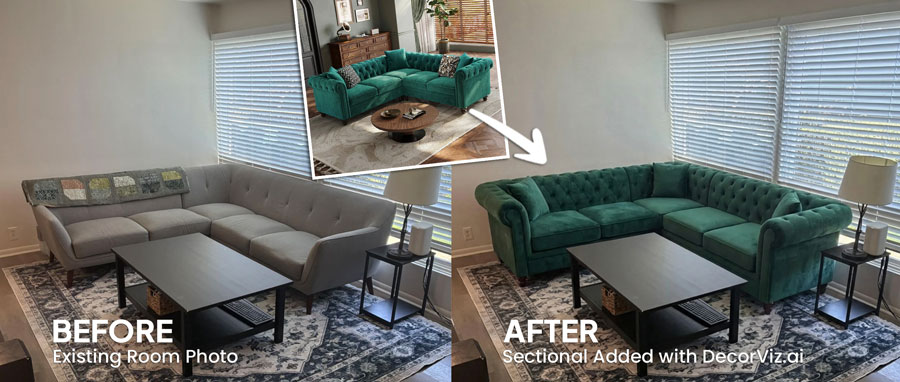
Sectional Sofa Visualizer: See Any Sectional in Your Room
A sectional is too big to get wrong. See the exact color and style in your room before you order.
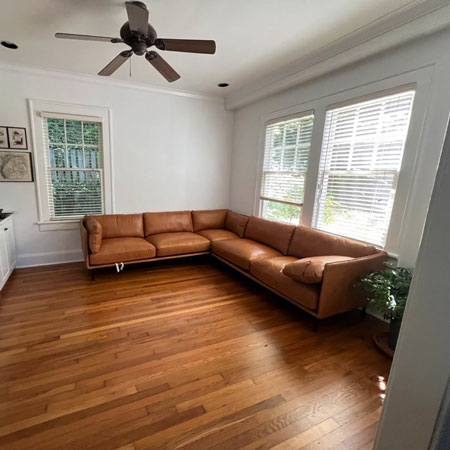
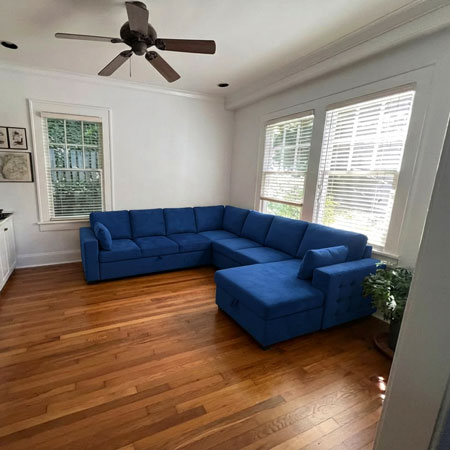
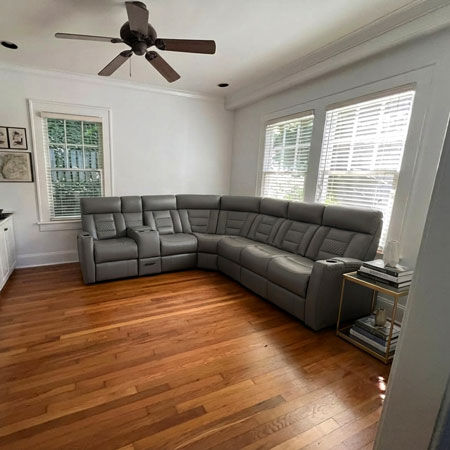
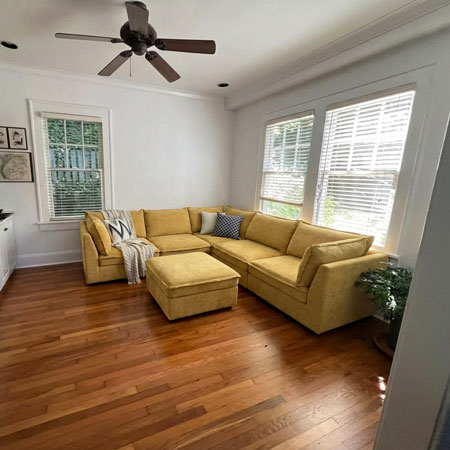
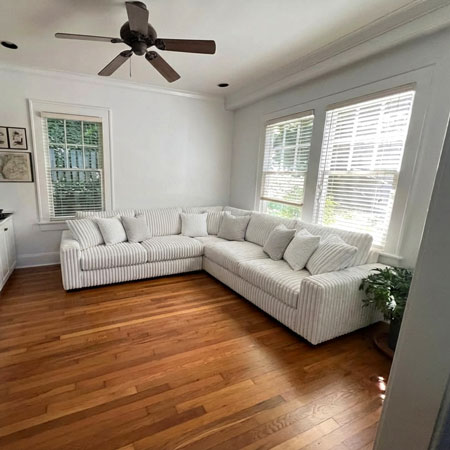
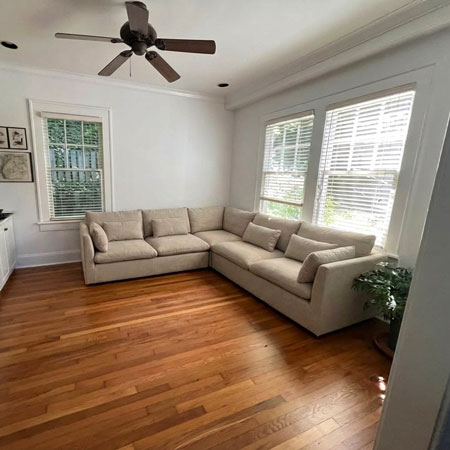
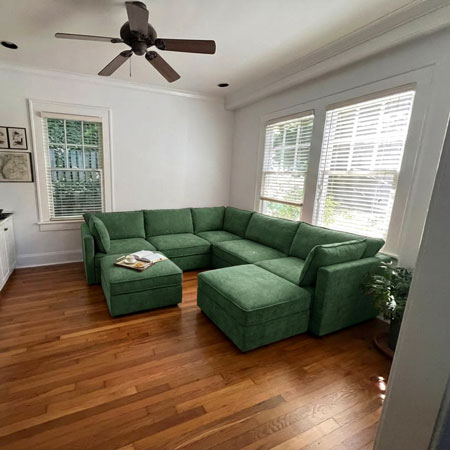
What is a Sectional Sofa Visualizer?
DecorViz Sectional Sofa Visualizer is an AI-powered tool that shows you how any sectional will look in your actual living room before you buy it. Upload a photo of your space, add the sectional you are considering, and get a photorealistic preview showing the shape, fit, and fabric in your specific room.
Not an AR app. Not limited to one brand or catalog. DecorViz works with sectionals from any retailer: L-shaped, U-shaped, chaise configurations, and modular designs.
L-shaped or U-shaped? Left chaise or right? It is hard to tell from a product photo.
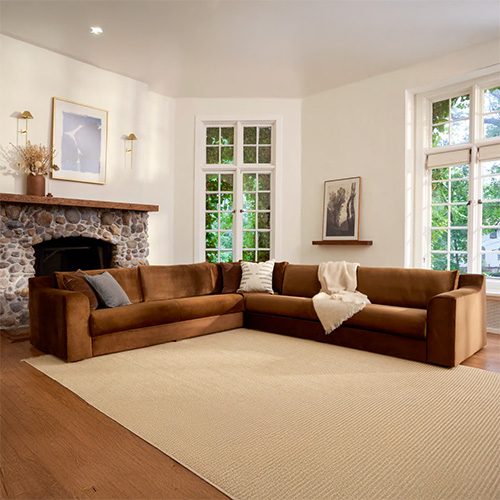
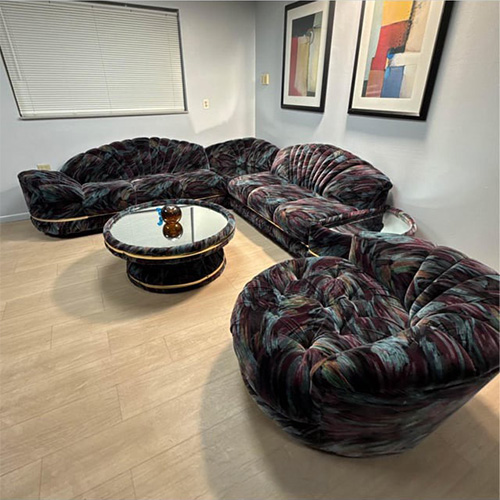
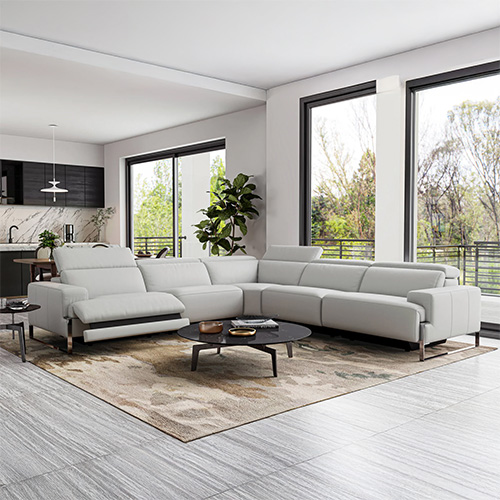
See the difference in your actual living room
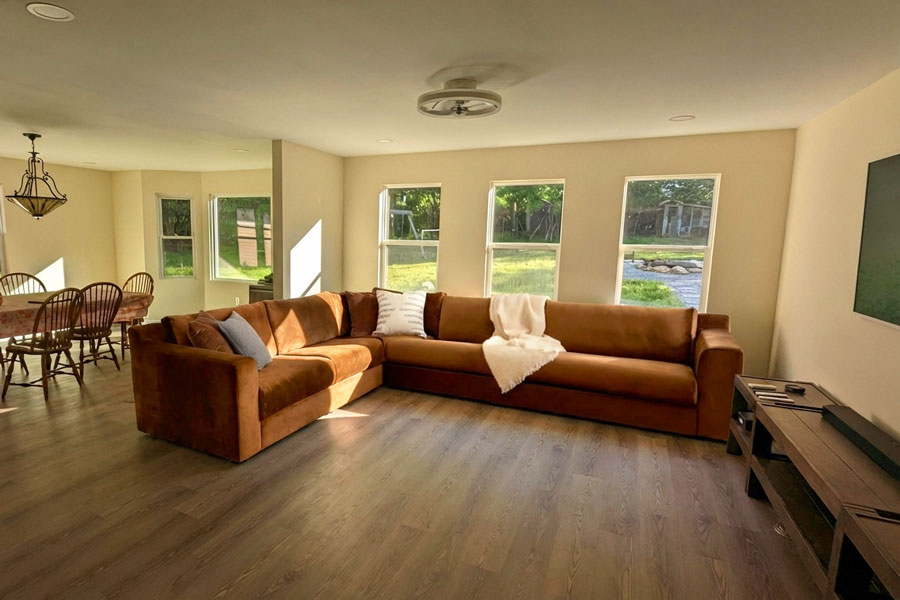
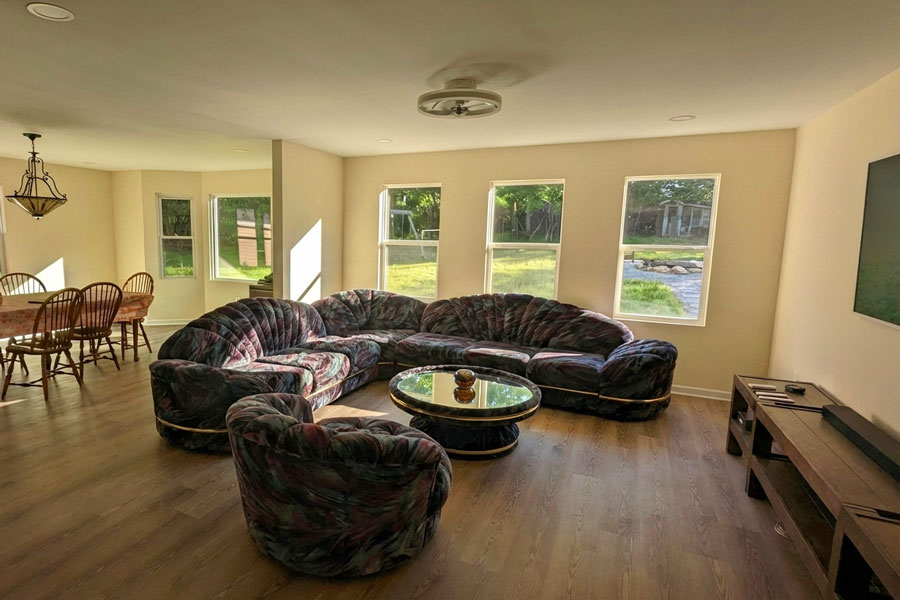
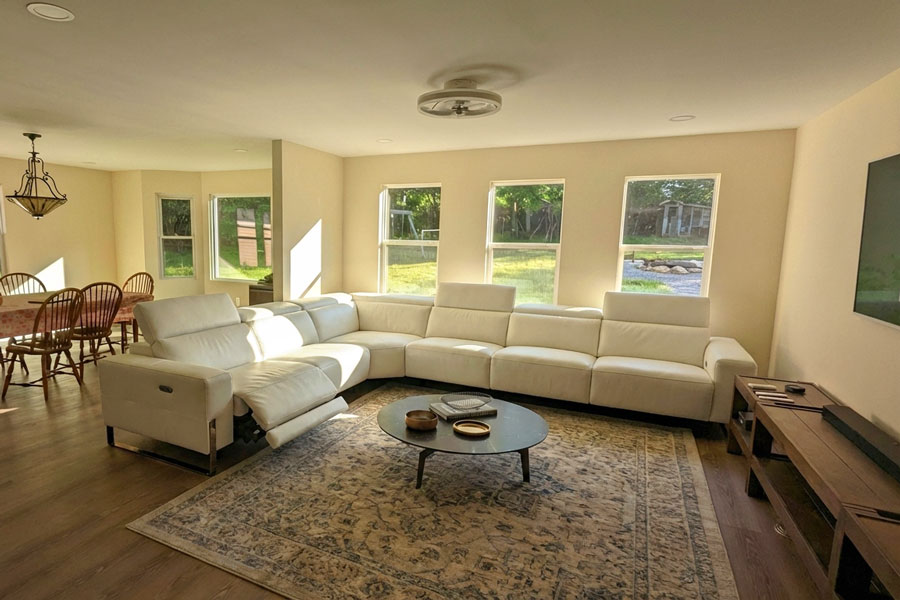
✓ Swipe or use arrows to compare options
Works with sectionals from
See Any Sectional in Your Room in 3 Simple Steps
No AR. No measuring. No guessing on direction or fit.

Upload Your Living Room Photo
Take a clear photo of your living room showing the full corner or wall where the sectional will go. Include as much floor space as possible.
Add the Sectional
Upload the product image from Wayfair, Article, IKEA, or any retailer. L-shaped, U-shaped, chaise, and modular sectionals all work.

See It in Your Room
Get a realistic preview showing the sectional in your actual space. Verify the fit, check the chaise orientation, and compare multiple options.
DecorViz vs. other methods for choosing a sectional
| Method | Time required | Shows actual sectional | Works for any retailer |
|---|---|---|---|
| DecorViz | 30 seconds | Yes | Yes |
| AR apps | 5-10 minutes | Generic samples only | No (limited catalog) |
| Measuring tape + floor tape | 20-30 minutes | No (outline only) | Yes |
| Buy and return | Days or weeks | Yes | Yes (return fees $100-400) |
See your sectional in your actual room. No apps to download, no measurements needed.
Common sectional sofa buying mistakes DecorViz helps you avoid
Sectional overwhelms the room
A sectional that looks compact in a product photo can take over a smaller living room. DecorViz shows you the actual proportions against your real walls before you buy.
Wrong chaise orientation
Left-facing versus right-facing is not obvious from a flat product photo. Visualize both options in your actual corner to see which one opens up the room rather than blocking it.
Fabric color looks different at home
Showroom and product studio lighting makes fabrics look different from how they look in your room. See the exact fabric in your actual lighting before committing.
Does not fit through the door
While DecorViz focuses on room fit, visualizing the layout first helps you realize when a sectional might be too large overall, and prevents ordering something that will not work.
Who Uses DecorViz for Sectionals?
Online Shoppers
See if a sectional fits your corner before ordering. Avoid a $400 return mistake.
Apartment Dwellers
Verify a sectional works in a smaller living room without overwhelming the space.
Interior Designers
Show clients exactly how the sectional will look in their actual room before ordering.
Couples Deciding Together
Compare left-facing vs right-facing, and compare different sectional styles side by side.
What users are saying
"Sectionals are so hard to buy online. Seeing the exact L-shape in my living room before ordering was the only way I felt confident. Arrived and fit perfectly."
"I needed to know which chaise orientation worked. Left or right facing? DecorViz showed me exactly which one opened up my room instead of blocking the walkway."
"I saved myself from ordering a sectional that would have been way too big. The preview made it clear instantly. Went with a smaller one and it looks perfect."
Also visualize with DecorViz
Know Before You Order.
Upload your room. Add the sectional. See exactly how it fits.
Try DecorViz - it is free to startNo commitment. No credit card. Just clarity.
Frequently Asked Questions
Need help? Check our photo upload guide for best results.
A sectional sofa visualizer is a tool that shows you how a sectional sofa will look in your actual living room before you buy it. DecorViz uses AI to place any sectional into your room photo, showing realistic scale, shape, chaise orientation, and fabric color so you can make confident decisions without guessing.
Upload a photo of your living room to DecorViz and visualize the sectional you are considering. You will immediately see if the sectional fits the corner, whether it leaves enough clearance for walkways, and whether the overall scale works in your space.
Yes. Visualize the sectional with a left-facing chaise and then with a right-facing chaise in your actual room. You will immediately see which orientation works better with your room layout: pointing toward the TV, away from the door, or into an open space.
Yes. DecorViz works with all sectional configurations including L-shaped, U-shaped, chaise sectionals, modular sectionals, and pit sofas. Upload the product photo and see it placed in your actual room.
Yes. Upload a product image from Wayfair, Article, Joybird, IKEA, West Elm, or any other retailer. DecorViz is not limited to one brand. It works with any sectional sofa image.
Yes. Upload your living room once, then add different sectional options. Compare them in the same space to see which one fits best in terms of shape, style, and fit.
AR apps only work with their own limited catalog and require real-time phone scanning. DecorViz works with any sectional from any retailer, uses a simple photo upload, and creates a realistic preview in seconds. No scanning, no calibration, no app download needed.
Yes. If a sectional comes in multiple fabric colors or finishes, visualize each option in your room to see which color works best with your walls, flooring, and existing furniture. The preview shows how the fabric tone reacts to your specific room lighting.