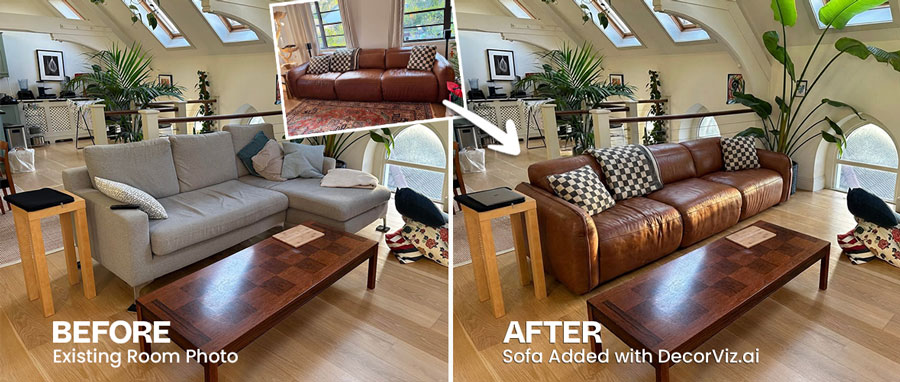
Don’t buy furniture
before seeing in your room
Avoid wrong choices. See how it actually looks in your own space.
Step 1 · Your room

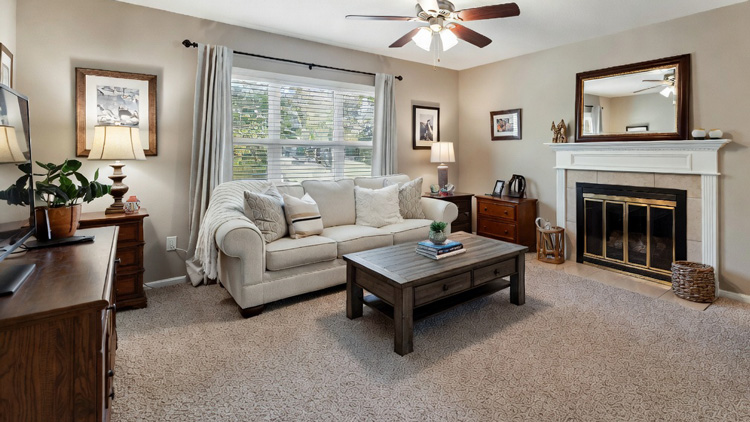
Upload a photo of your room
Step 2 · The item
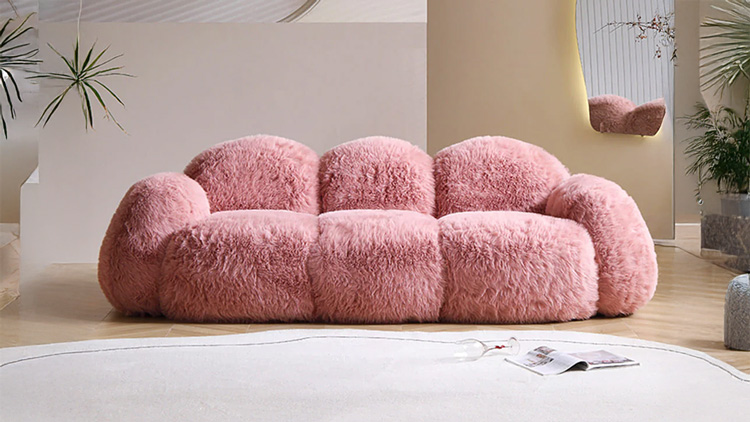
Upload a product photo (sofa, rug, table, etc.)
Results
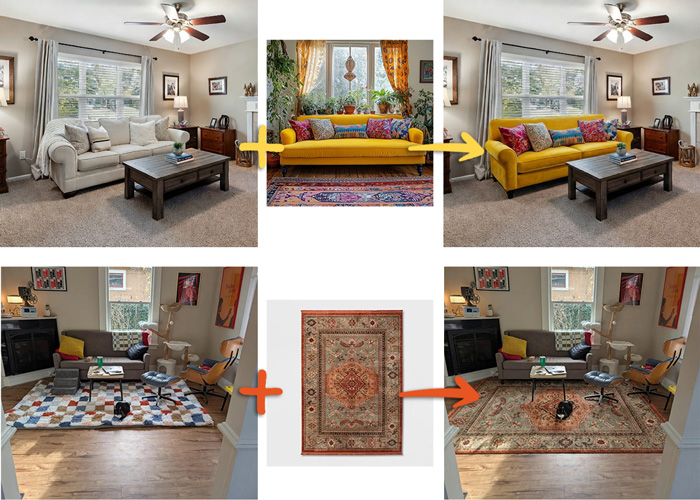
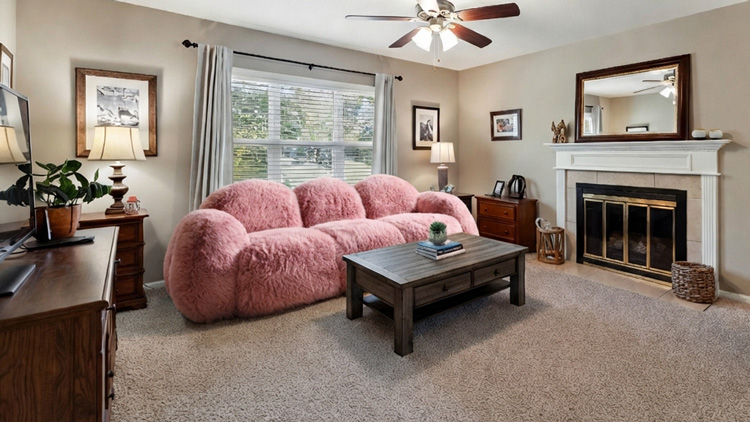
Your room + any product → realistic preview before you buy
How to see furniture in your room
Upload your room photo and a product photo. Get a realistic preview in seconds.
Use it for sofas, rugs, chairs, tables, lighting, and decor. It is a fast way to confirm if something fits your room and your taste.
Do I need an account to generate a preview?
Yes. Create a free account to generate your preview and continue in the app.
What photos work best?
Use a clear, well lit room photo and a single product photo with the item centered.
Can I try more than one item?
Yes. Once you are signed in, you can generate more previews for different products.